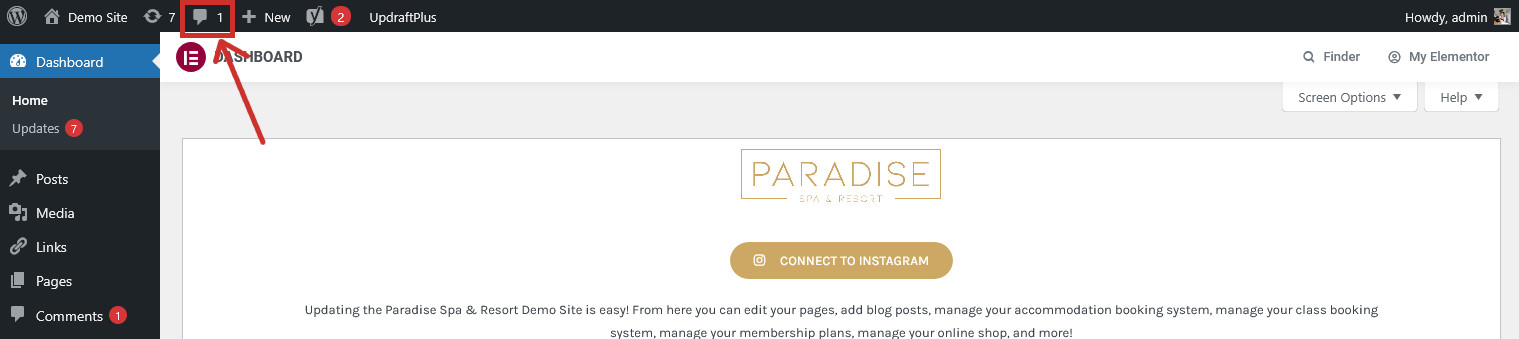
When someone posts a product review, you may need to manually approve it. This is to prevent unwanted reviews and spam from being visible on your site. You should receive an email when a customer has left a review, but you can also view reviews from the Comments icon in the top toolbar (
):
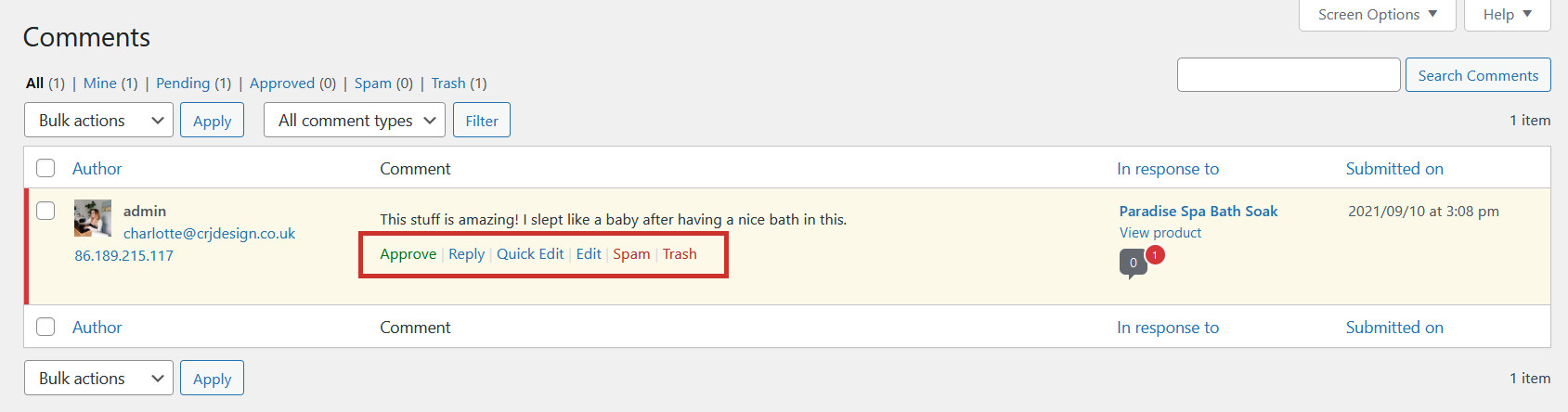
This will show you all of your comments and reviews (shown recent first). Simply hover over a review to approve it (or unapprove it if it’s already approved), reply to it, edit it, mark it as spam, or delete it (Trash/Bin):
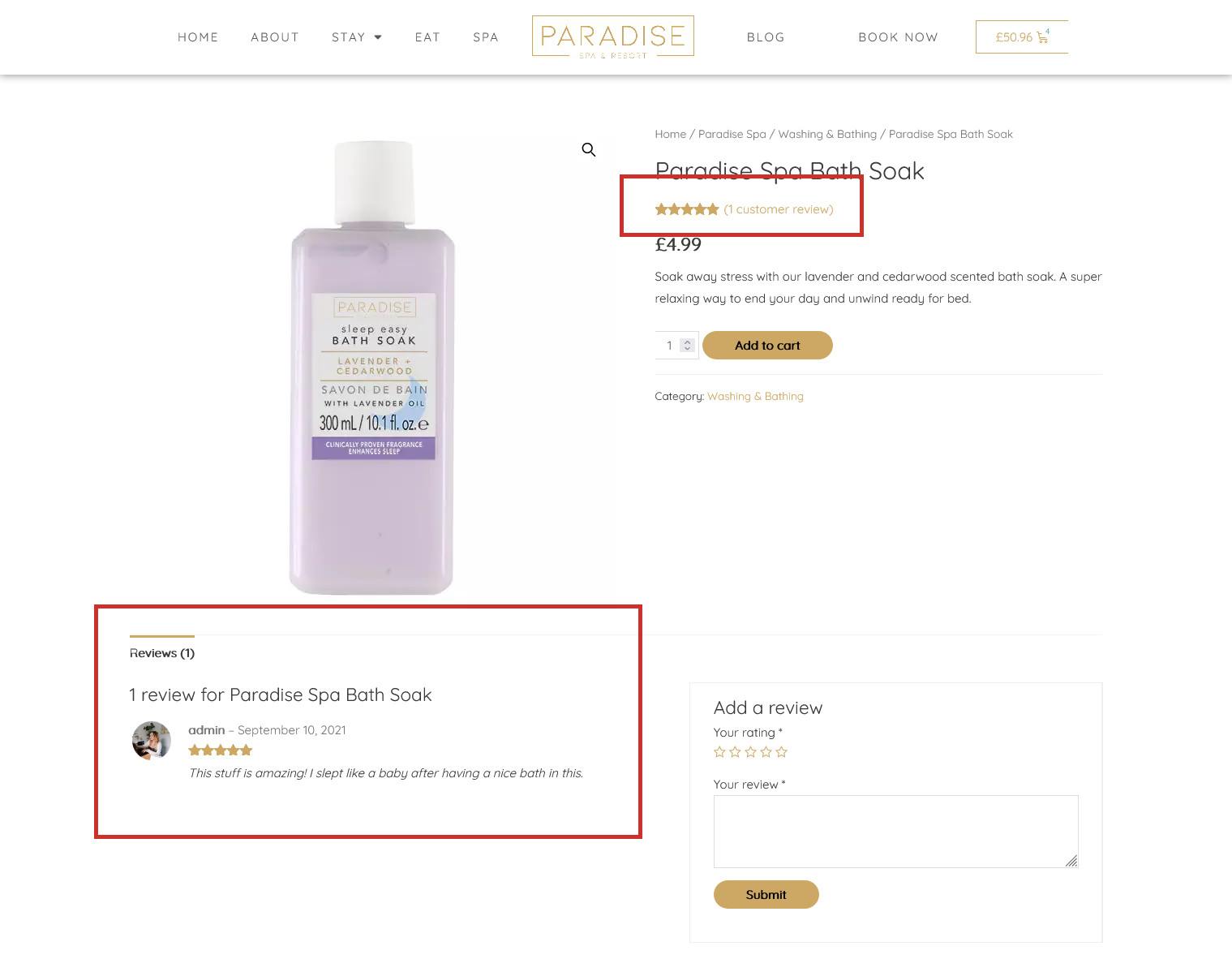
Approved reviews are shown on the product page, and an overall star rating will be visible too: