Important
Changing your DNS records could cause your website to break. Only change your DNS records if you are certain you know what you are doing.
Updating your DNS records can be useful for many reasons. For example, if you’re using your email with G Suite or Office 365, you need to update your MX records. Sometimes, you will need to prove ownership of your domain by adding a TXT record to your DNS settings.
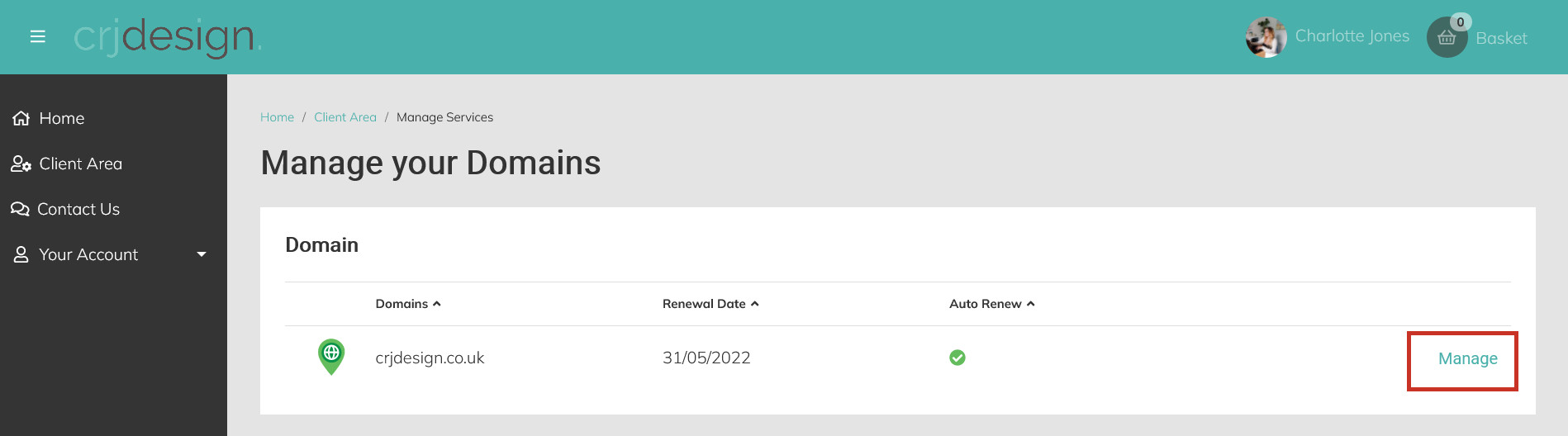
Login to your hosting portal and click Manage next to your domain:
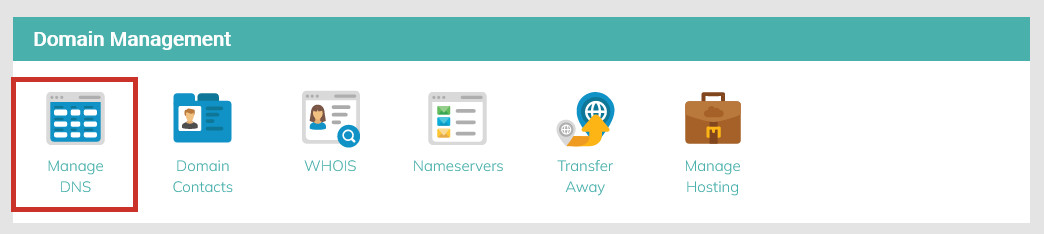
Click Manage DNS:
Here you will see your current DNS Records, which you can edit, delete, or add to. Use the bin icon (
) to delete a record, or add a new record using the Add another record + button at the bottom of the page:
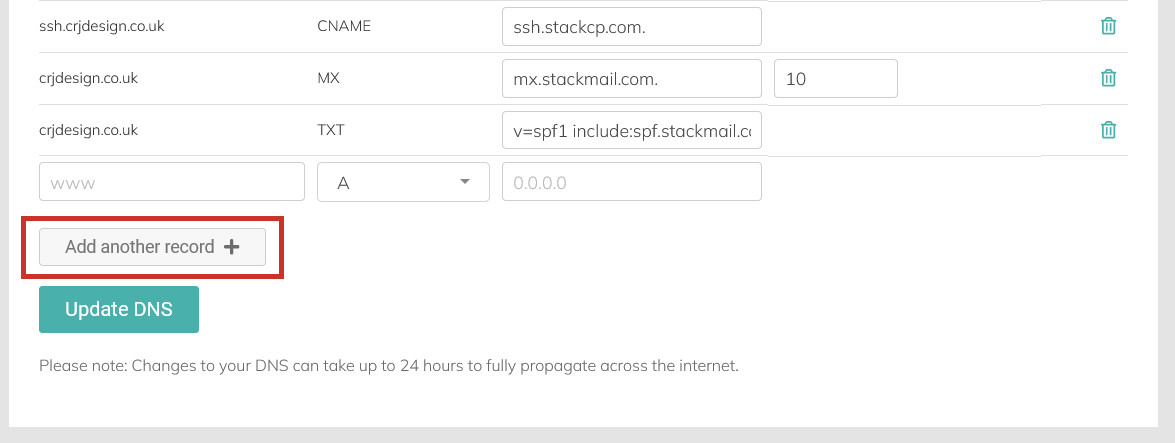
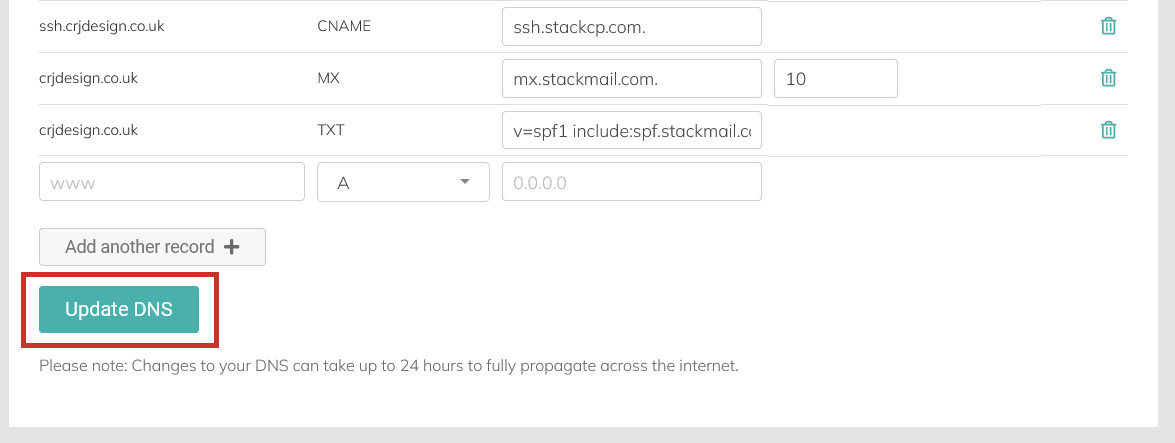
Once you are happy with your changes, click Update DNS:
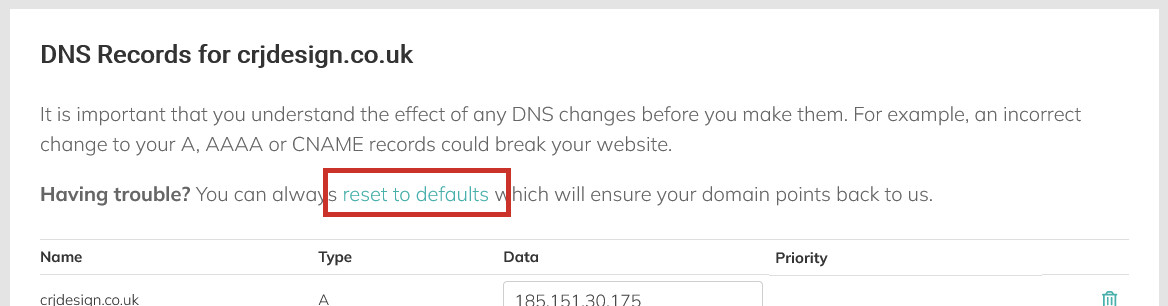
If anything goes wrong, you can always reset to the default DNS records using the reset to defaults link at the top of the page:
Please Note
It can take 24-48 hours for your DNS changes to take effect. This is known as the propagation period.