Use the button above or this link to login to your web hosting’s webmail facility. Simply login with your email address (eg. info@yourdomain.co.uk) and the password associated with the email account.
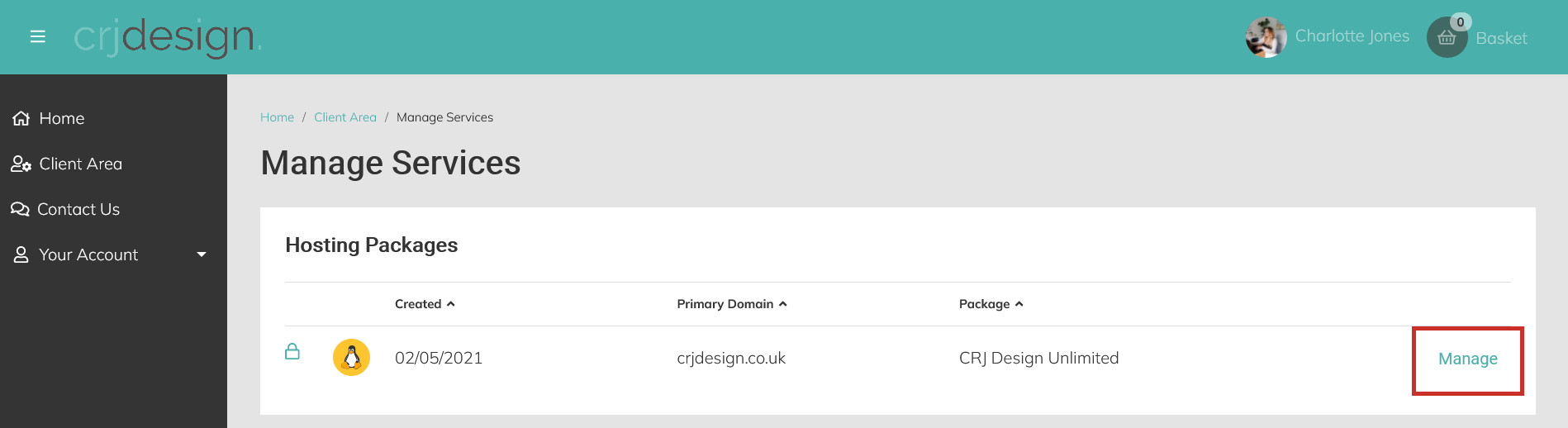
You can also login to webmail directly from your hosting portal – without needing to enter a password. Login to your hosting portal and click Manage next to your hosting plan:
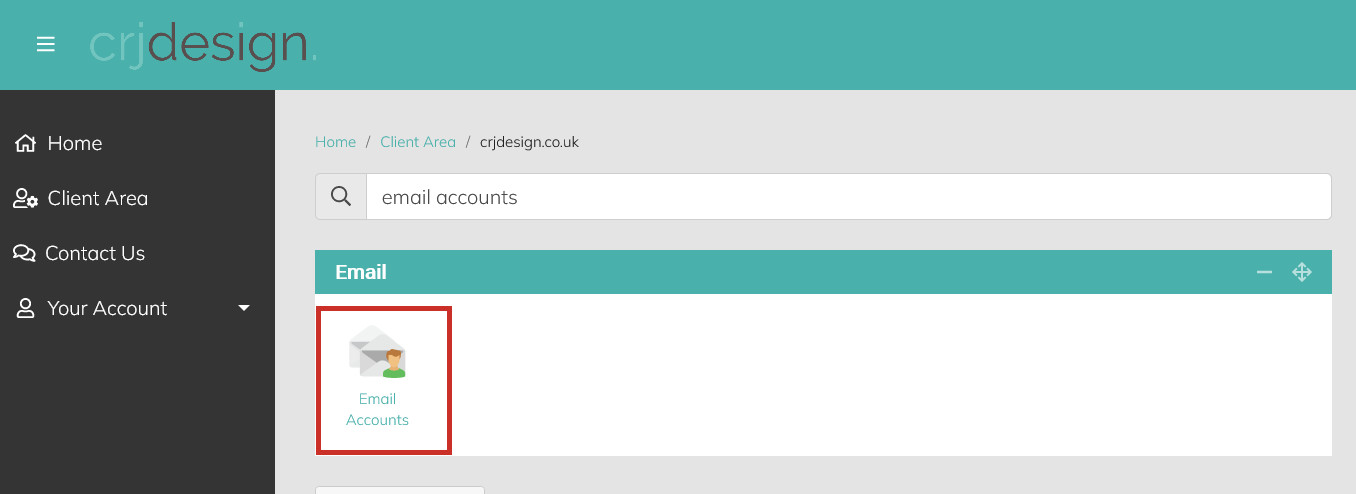
Click Email Accounts under the ‘Email’ heading (or search for ’email accounts’):
Click Options next to the email account you wish to login to and select Webmail:
Please NoteThe password for your email account/s will be different from the password used to login to your web hosting portal and your website admin area.
If you have forgotten your email account’s password or need to change it, you can reset it from your Hosting Portal. Instructions can be found in this article.