Home > How to add a signature to your emails in webmail
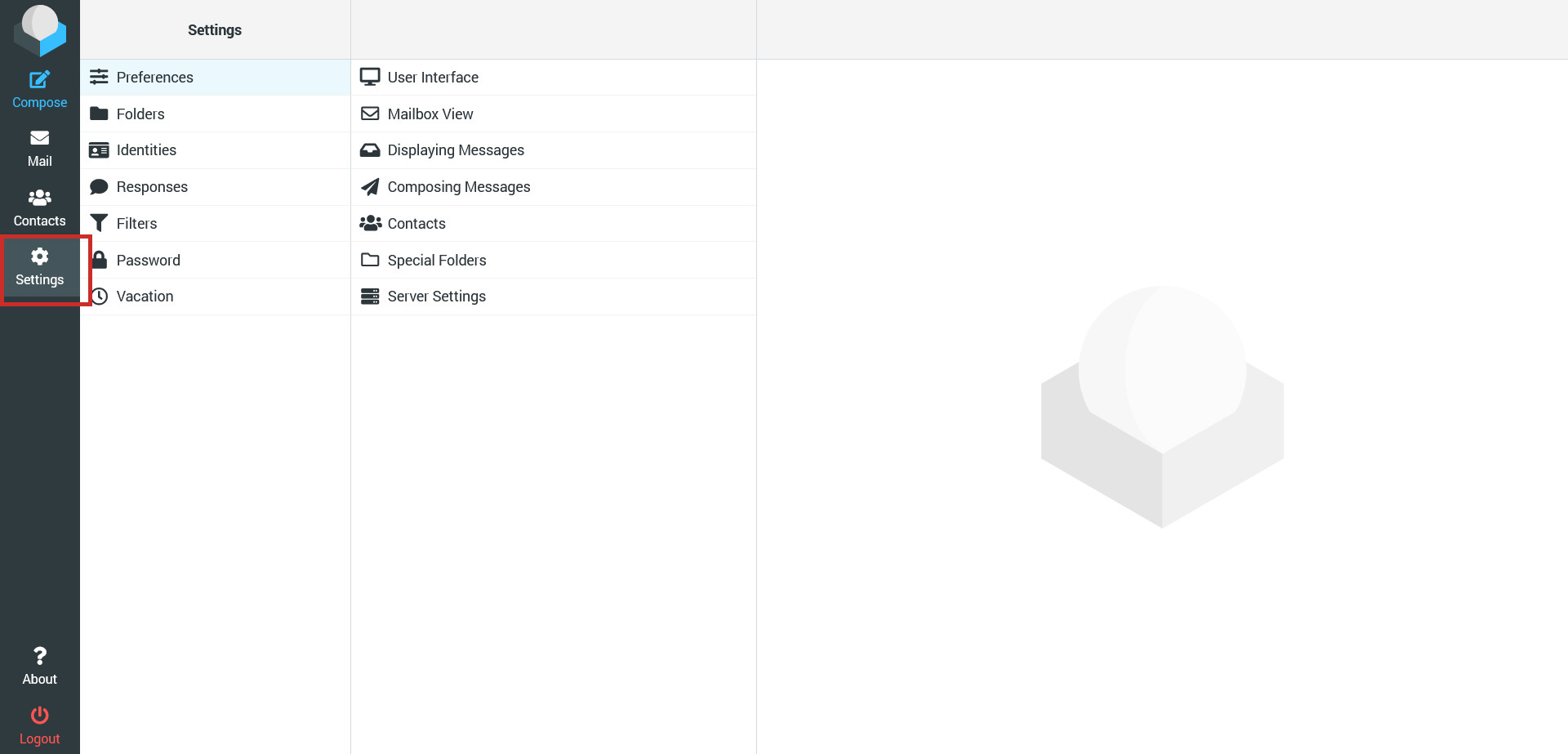
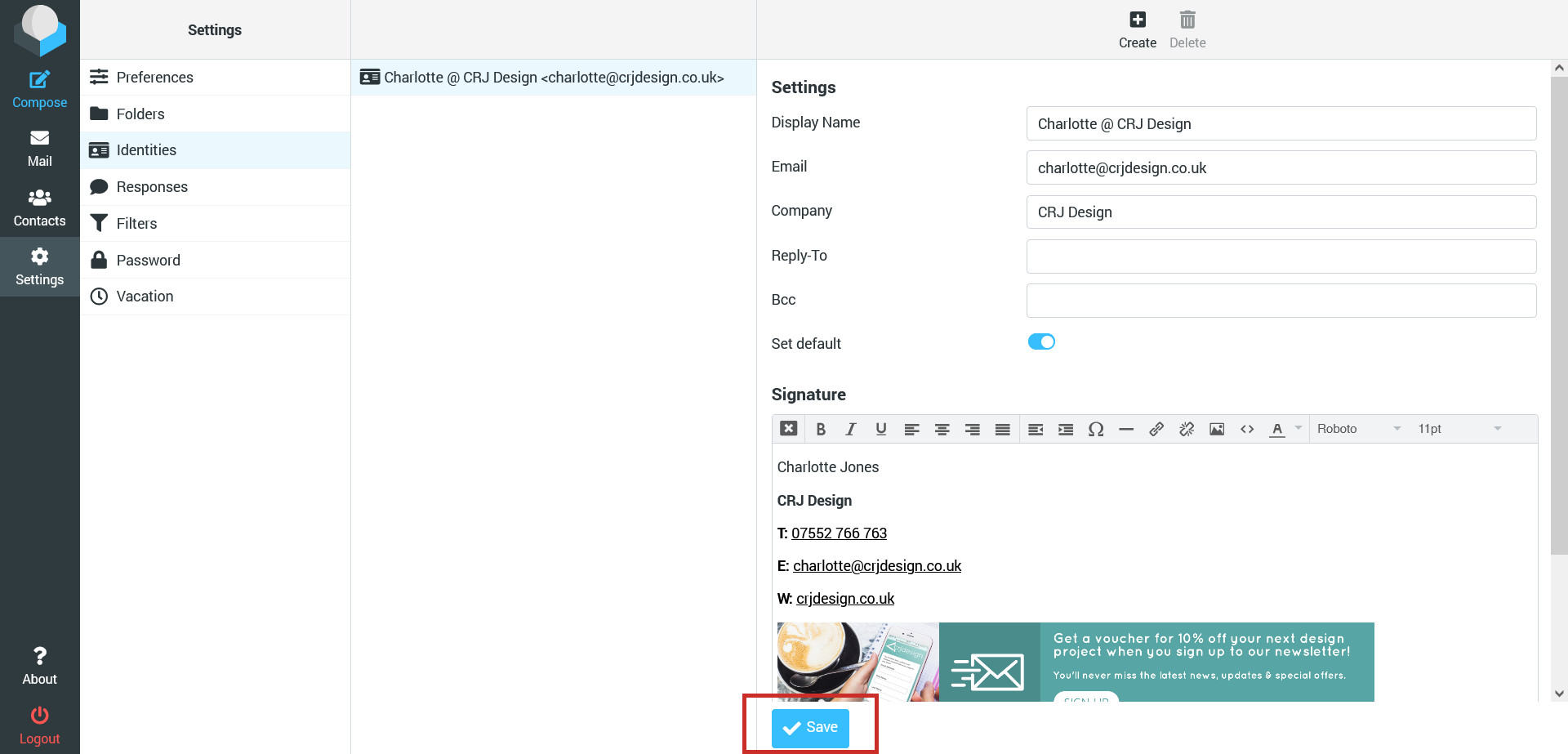
How to add a signature to your emails in webmail
ImportantEmail signatures are added when you send emails, so the signature you create in webmail will only apply when you are sending emails using webmail. If you primarily send emails via your phone or a mail client such as Outlook, you will need to add the signature there instead.