If you have made changes to the way your post or page looks (eg. changed the featured image, page title, or Yoast SEO meta description), then these changes will not be immediately reflected on social media.
When you first share a link to social media, the social media site will fetch the relevant information (page name, description, image) and create a preview. This preview does not automatically refresh when changes are made to the website, and has to be done manually. Note that this is nothing to do with the website itself, and is due to the way social media sites fetch information.
Facebook Sharing Debugger
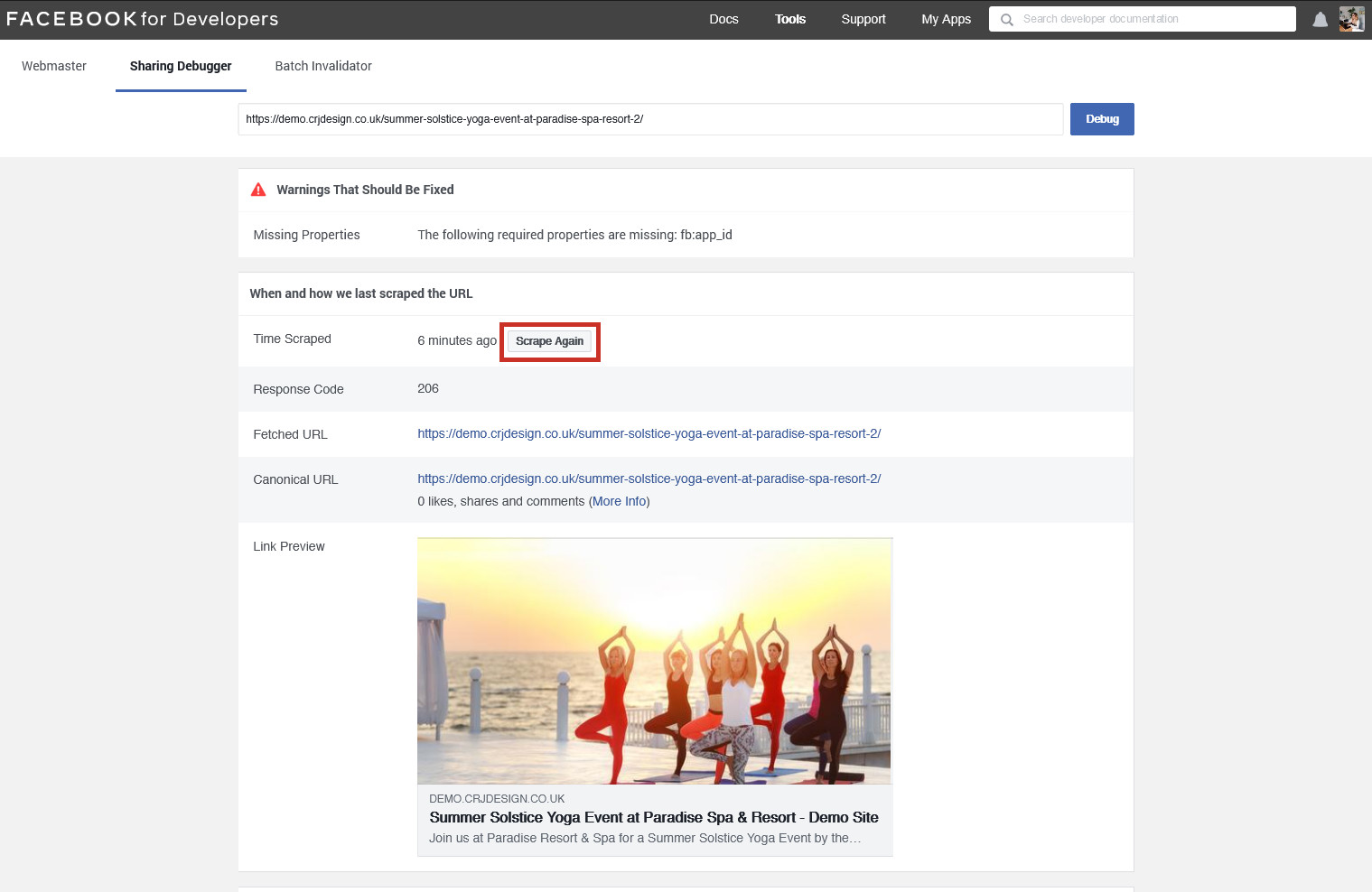
Running a link to your post or page through the Facebook Sharing Debugger tool will show you the existing preview for the page (if it’s been shared before), or create a new preview. If the preview is outdated because you have edited the page since, click the Scrape Again button to fetch a new preview:
LinkedIn Post Inspector
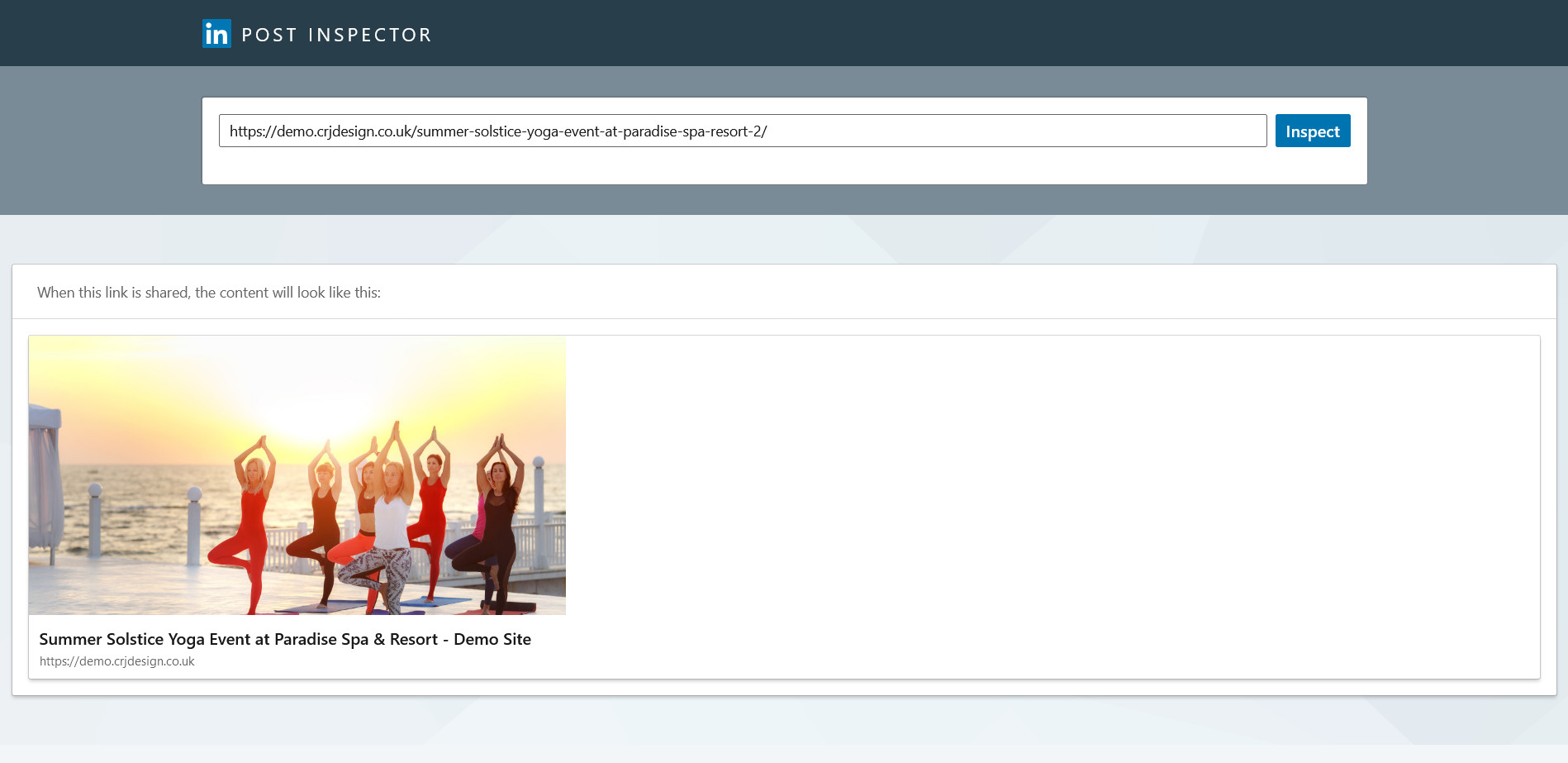
For LinkedIn, their Post Inspector tool works in a similar way. You may fetch new data for a link that’s not been shared before, or refresh the data they already have: