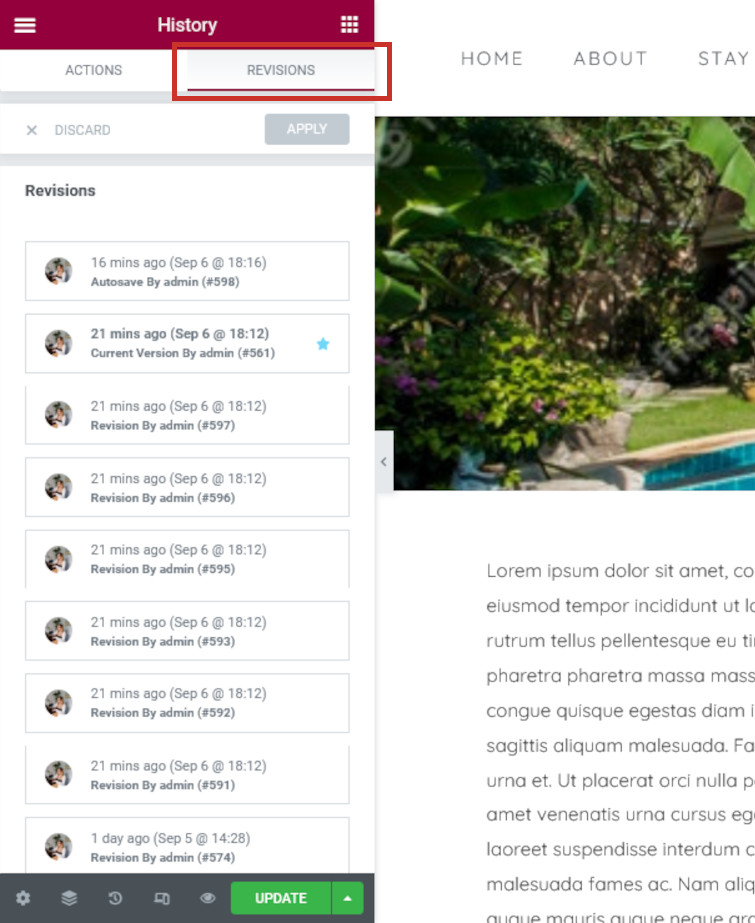
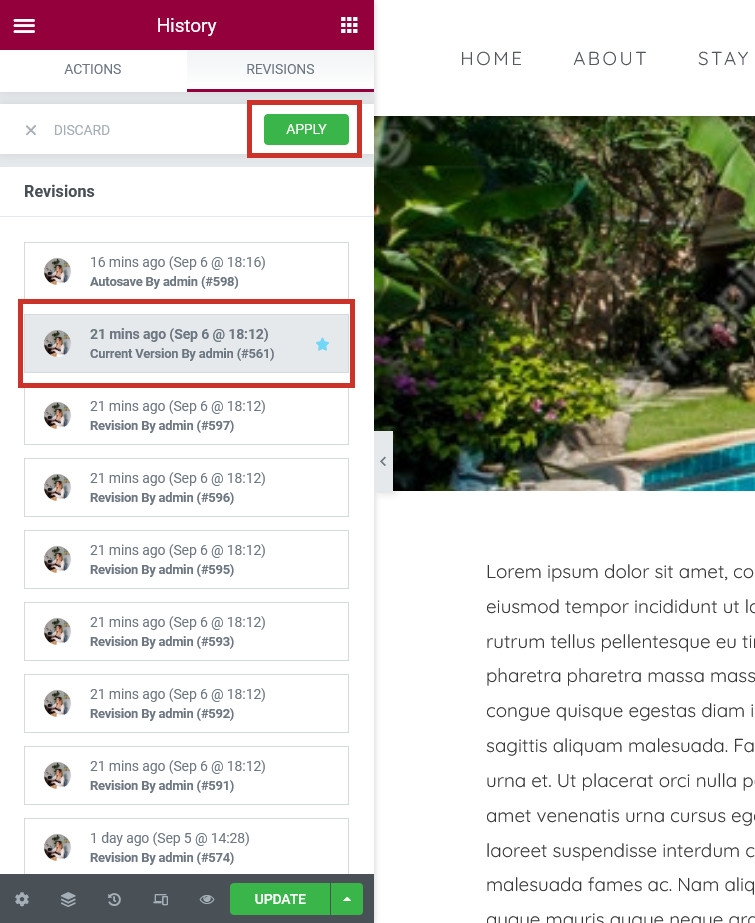
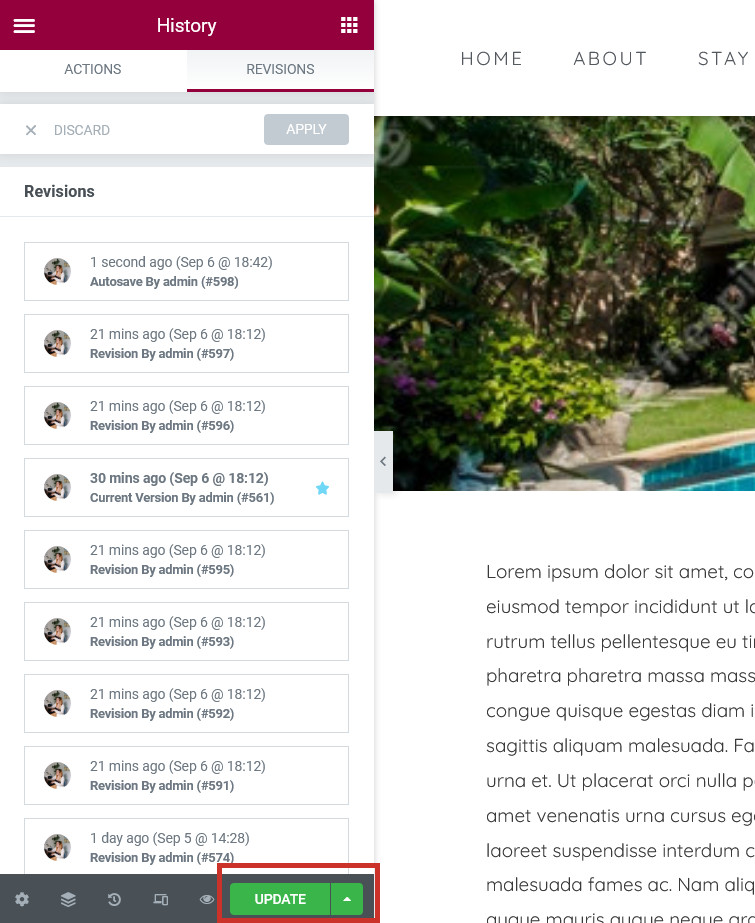
If you would like to restore a page back to a previous version, this can easily be done by way of revisions. Each time you publish a new version of a page, it is stored as a revision, which you can easily restore from within Elementor.
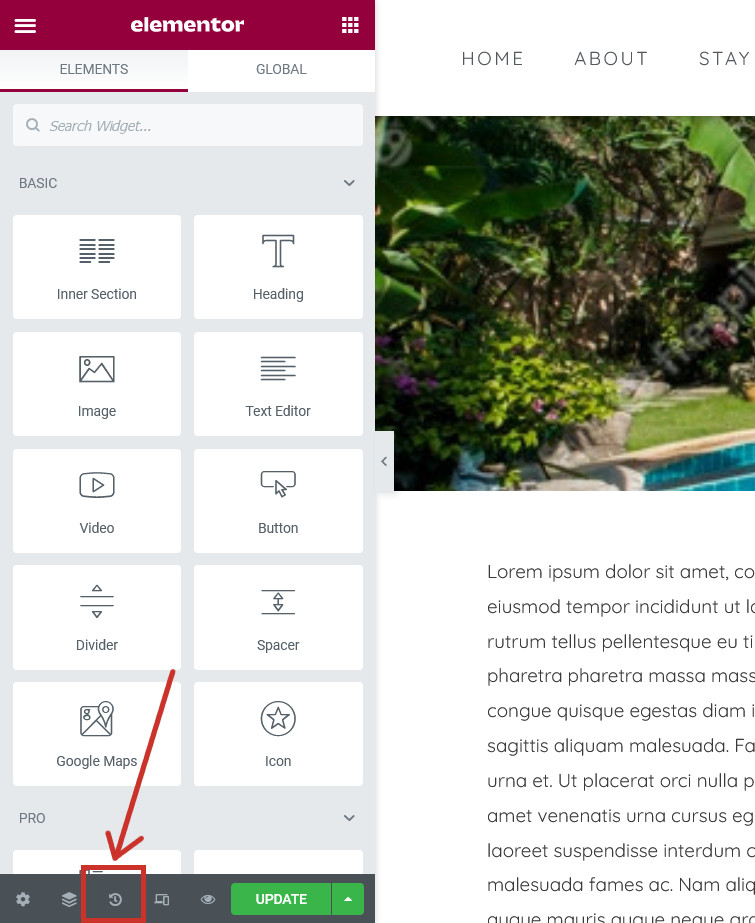
Open the page you would like to edit in Elementor (please find instructions here) and click the History icon ( ) in the bottom-left corner: