Please NoteIf you delete a page, any links to it will become broken and show a 404 'page not found' error. Ensure you have removed any links to the deleted page across your website, and remove it from your main menu if neccessary.
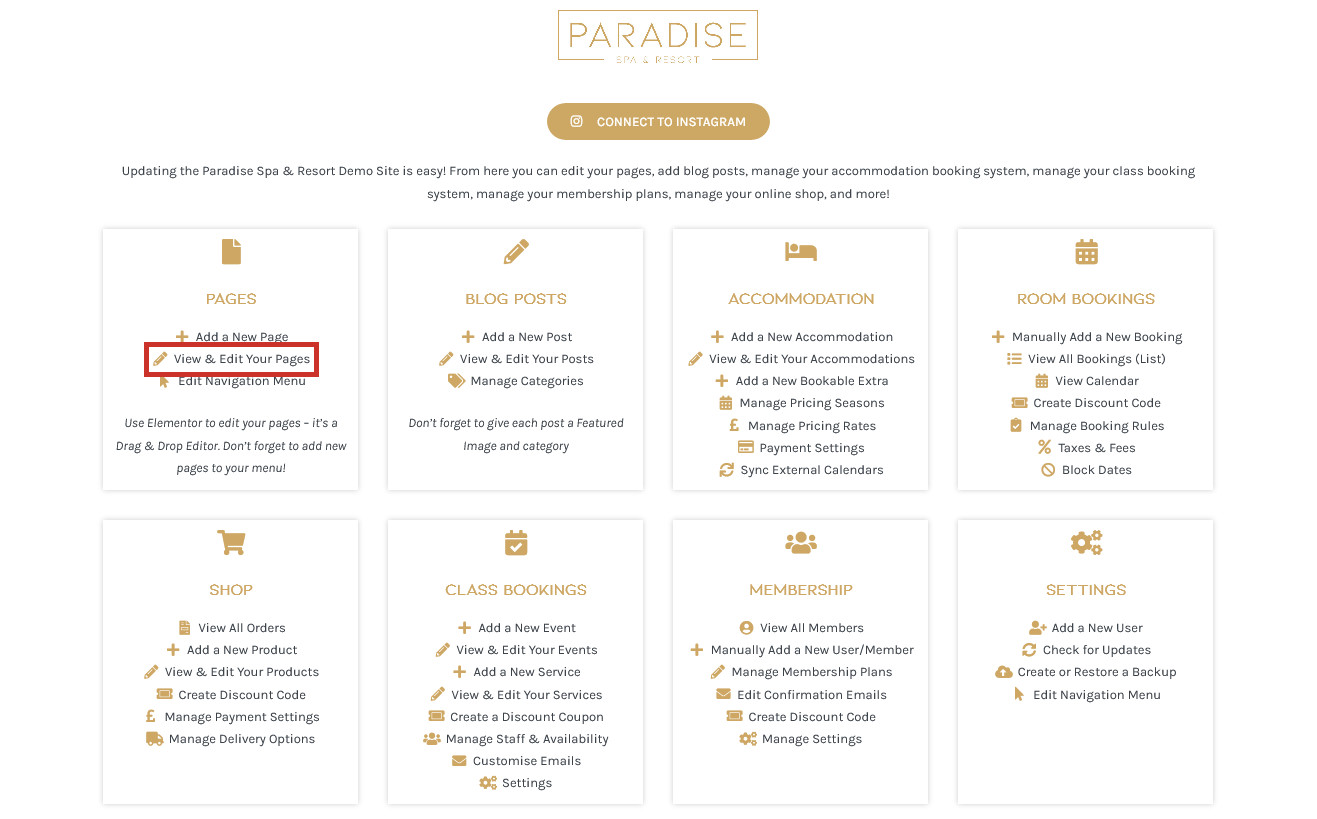
If you need to delete a page from your website, you can do this in a number of ways. In your dashboard, click the View & Edit Your Pages link under the ‘Pages’ heading:
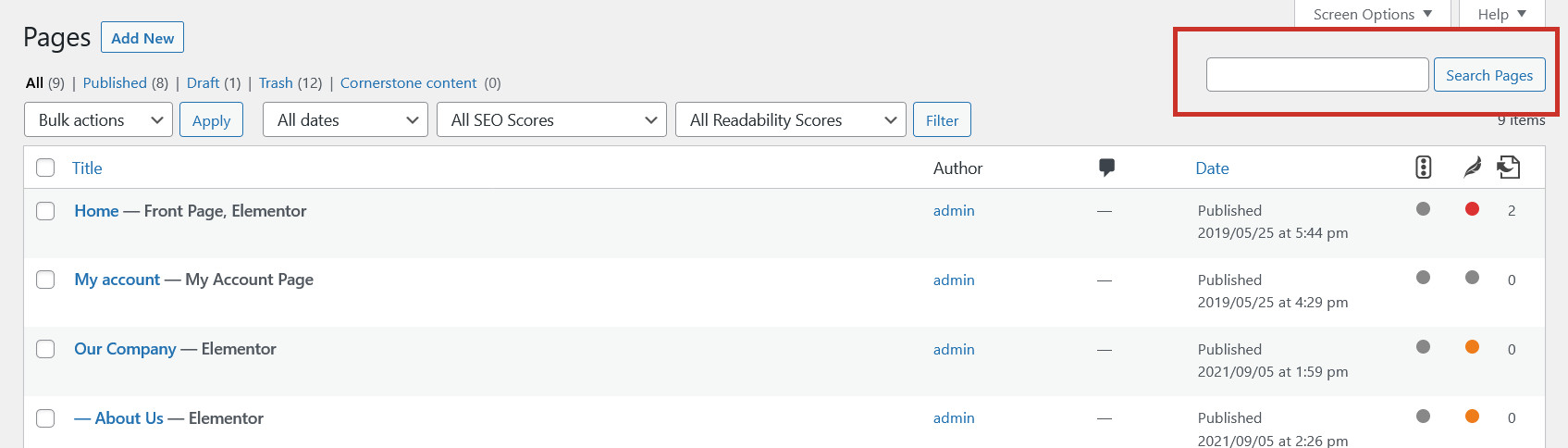
This will show you a list of all your pages, which you can browse through or use the search tool to find the page you need to delete:
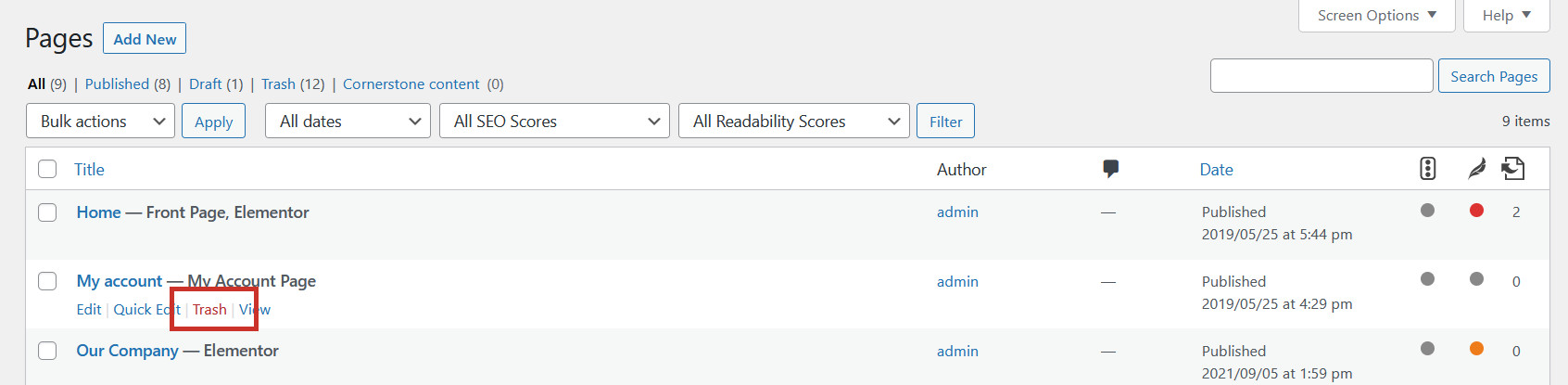
To delete a page, simply hover over it and click Trash or Bin:
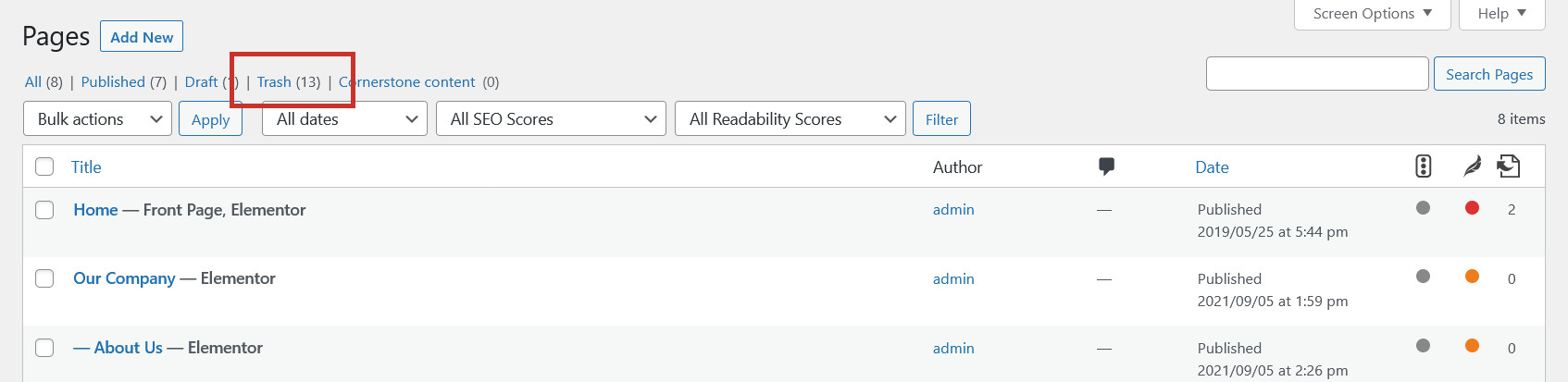
This will remove the page from the website (but you may have to edit your menuto remove the link to the page from your main menu), and you can permanently delete it, or restore it, from the ‘Trash’ or ‘Bin’ tab at the top of the page:
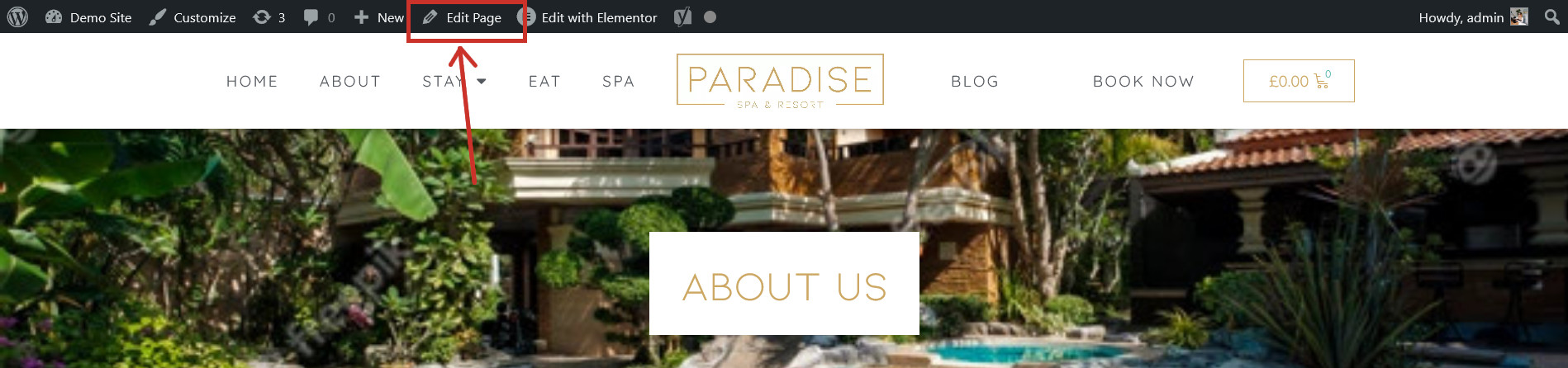
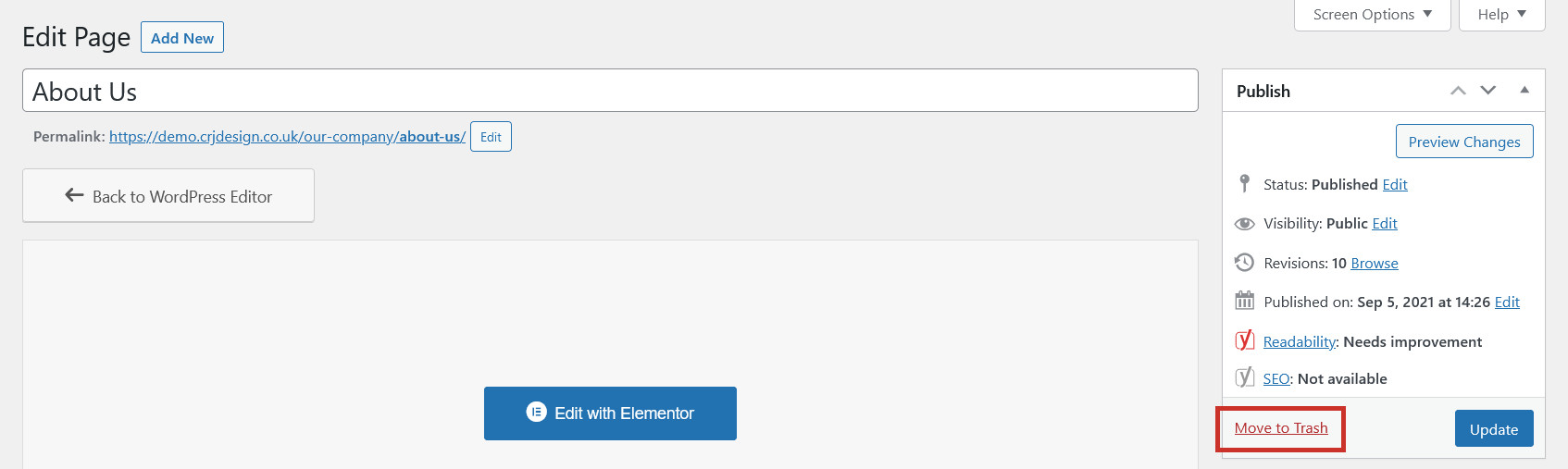
An alternative way to delete a page is to visit the page on your website and click Edit Page (note: NOT Edit With Elementor) in the top toolbar, where you can then delete it from the editor screen: