How to link your Instagram account

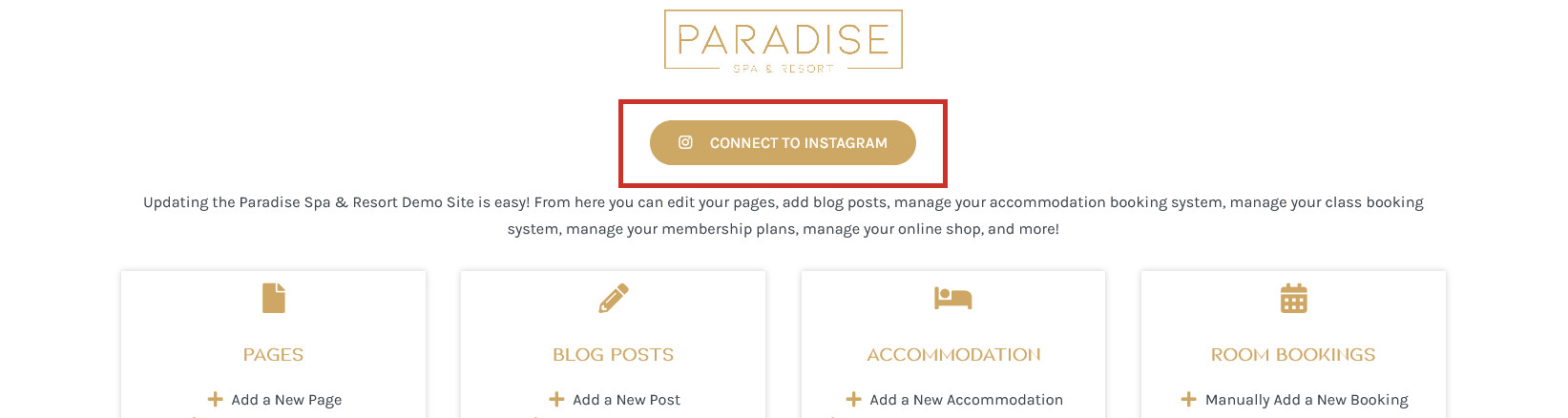
Linking your Instagram account allows you to display your latest Instagram posts on your website, which will automatically update when you post new photos to your Instagram account. If you have the Instagram feature enabled on your website, you will see a Connect to Instagram button in your dashboard. Click this to get started:
Scroll down to the ‘Manage Sources’ section and click Add Source:
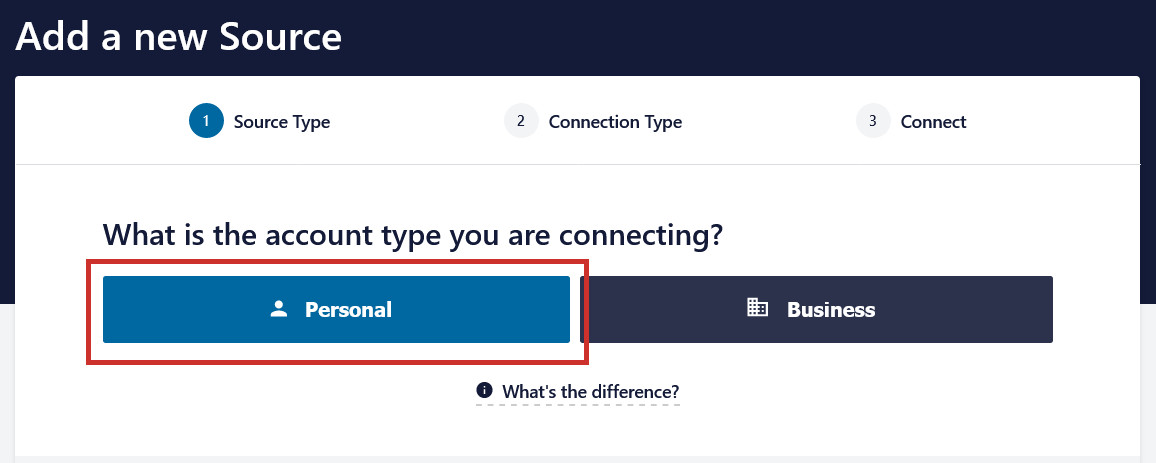
On the next screen, select Personal:
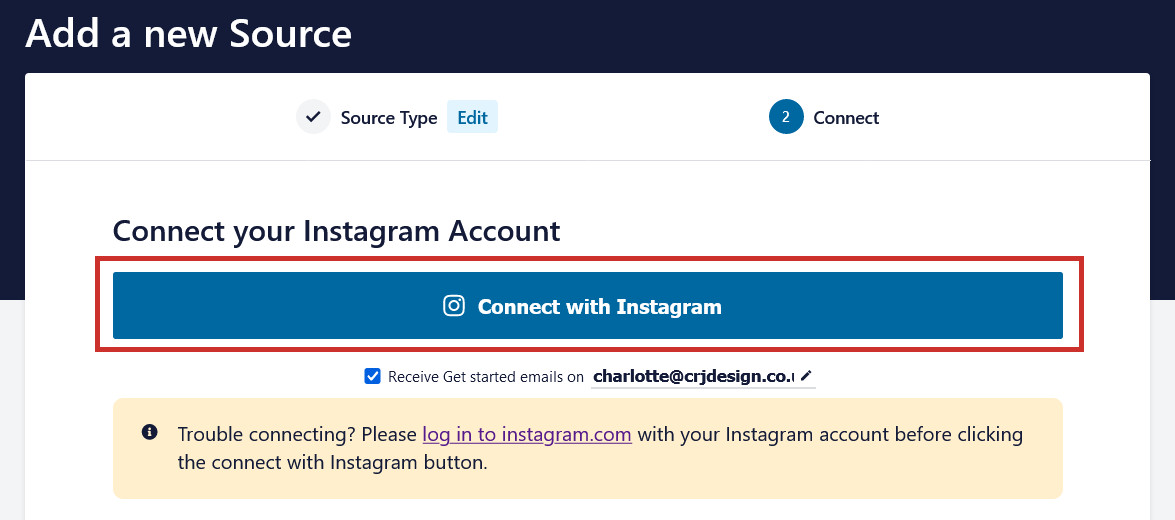
Click the Connect with Instagram button:
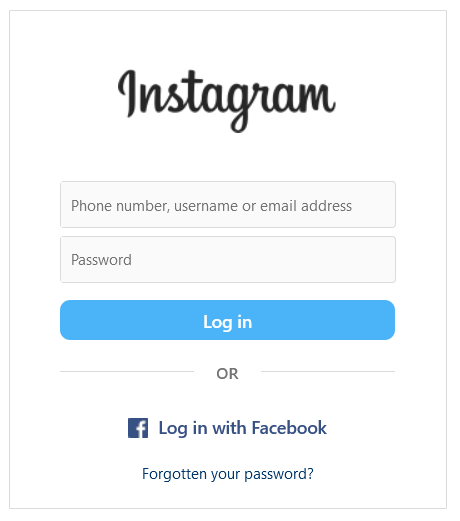
You will be directed to Instagram where you will need to login if you aren’t logged in already:
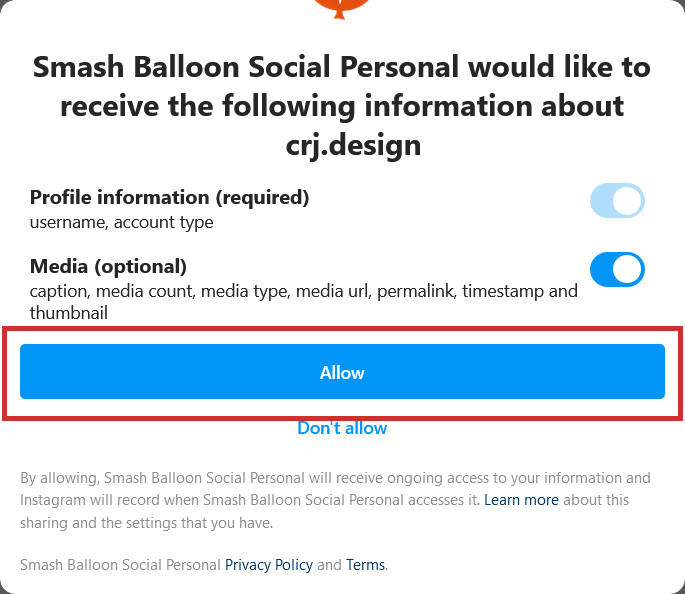
After logging into your account, click Allow to enable the Instagram feed plugin (‘Smash Balloon’) to access your photos:
You may be asked to confirm your domain. If so, just click Yes, it is my domain:

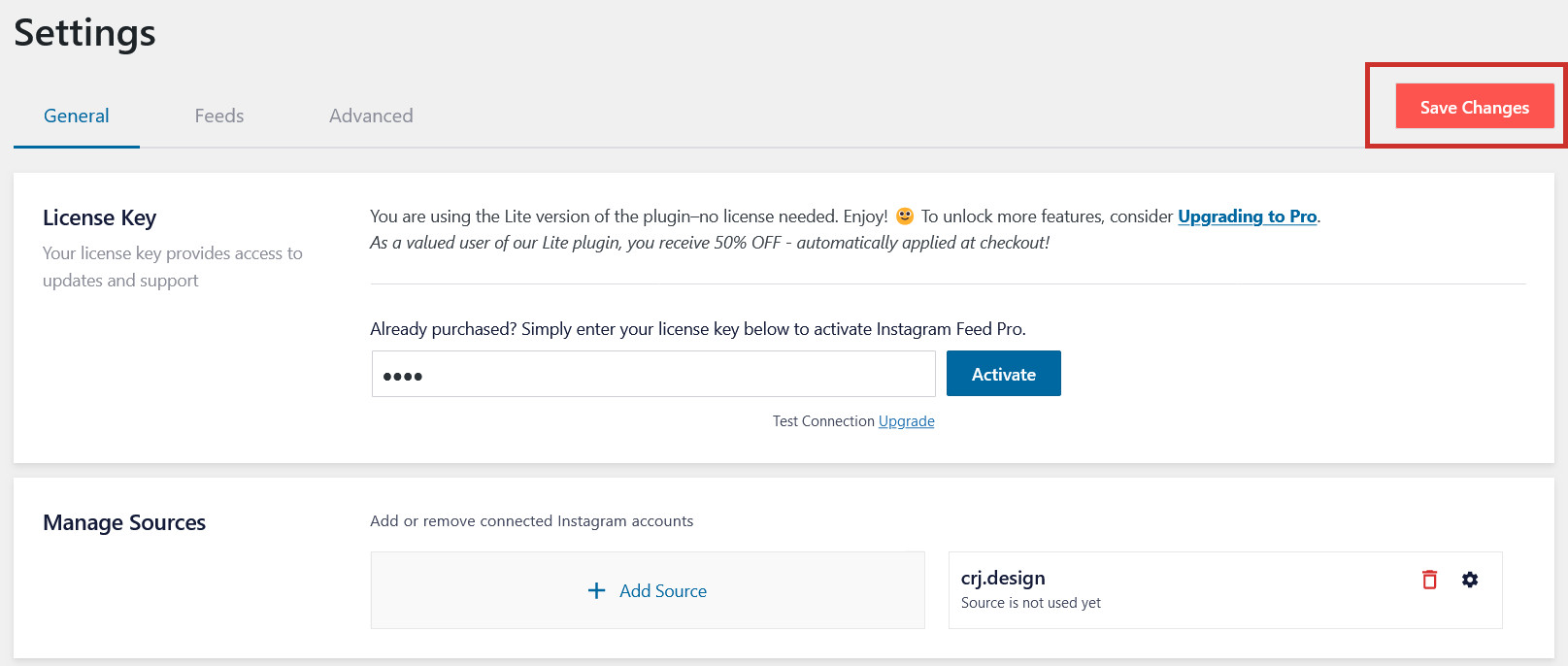
Finally, you will be returned to the website dashboard. Your Instagram account should now be listed as a source under ‘Manage Sources’.

Click Save Changes to finish connecting your account.