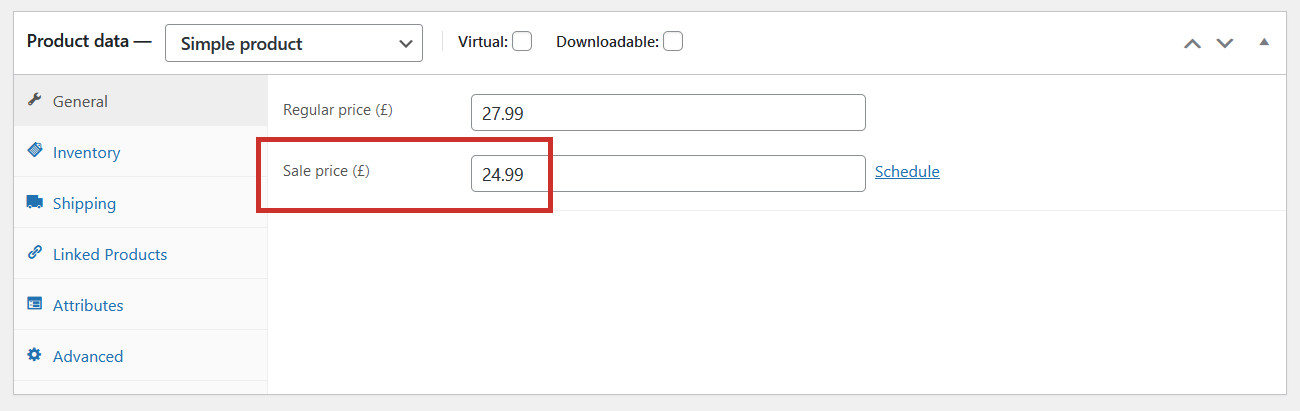
Sales can be a great marketing tool for your online shop. To put a product on sale, simply enter a Sale price when you are editingor adding a product:
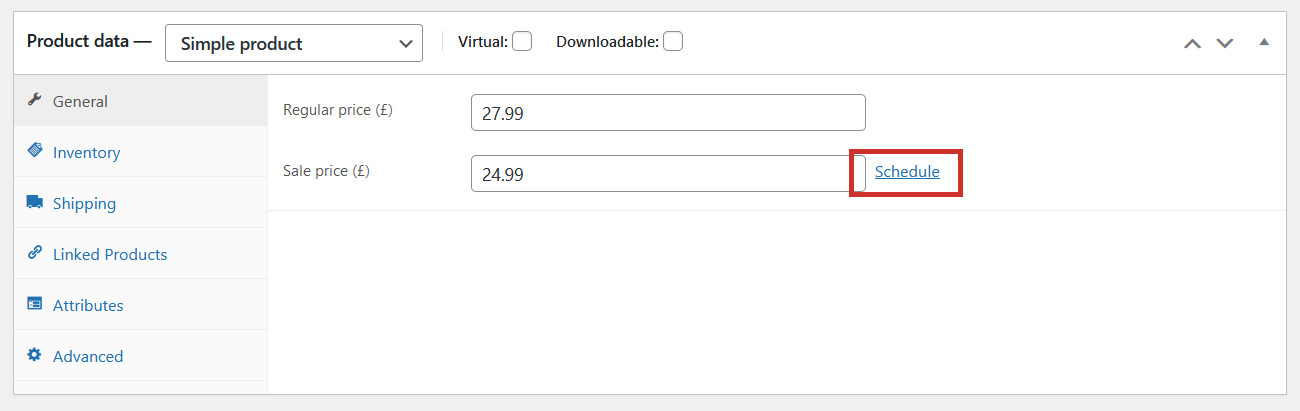
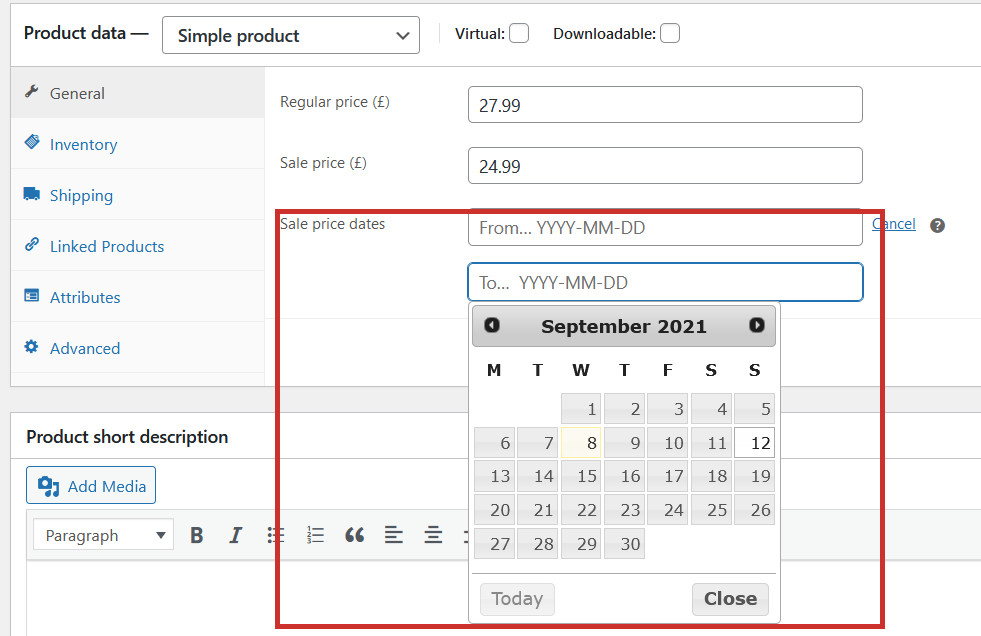
Click Schedule to enter start and/or end dates for your sale, if you need to:
This means that your sale price will only be shown during the dates you choose, so you don’t have to remember to remove your sale price on a certain date – the website will do it for you:
Click Update to save your changes.
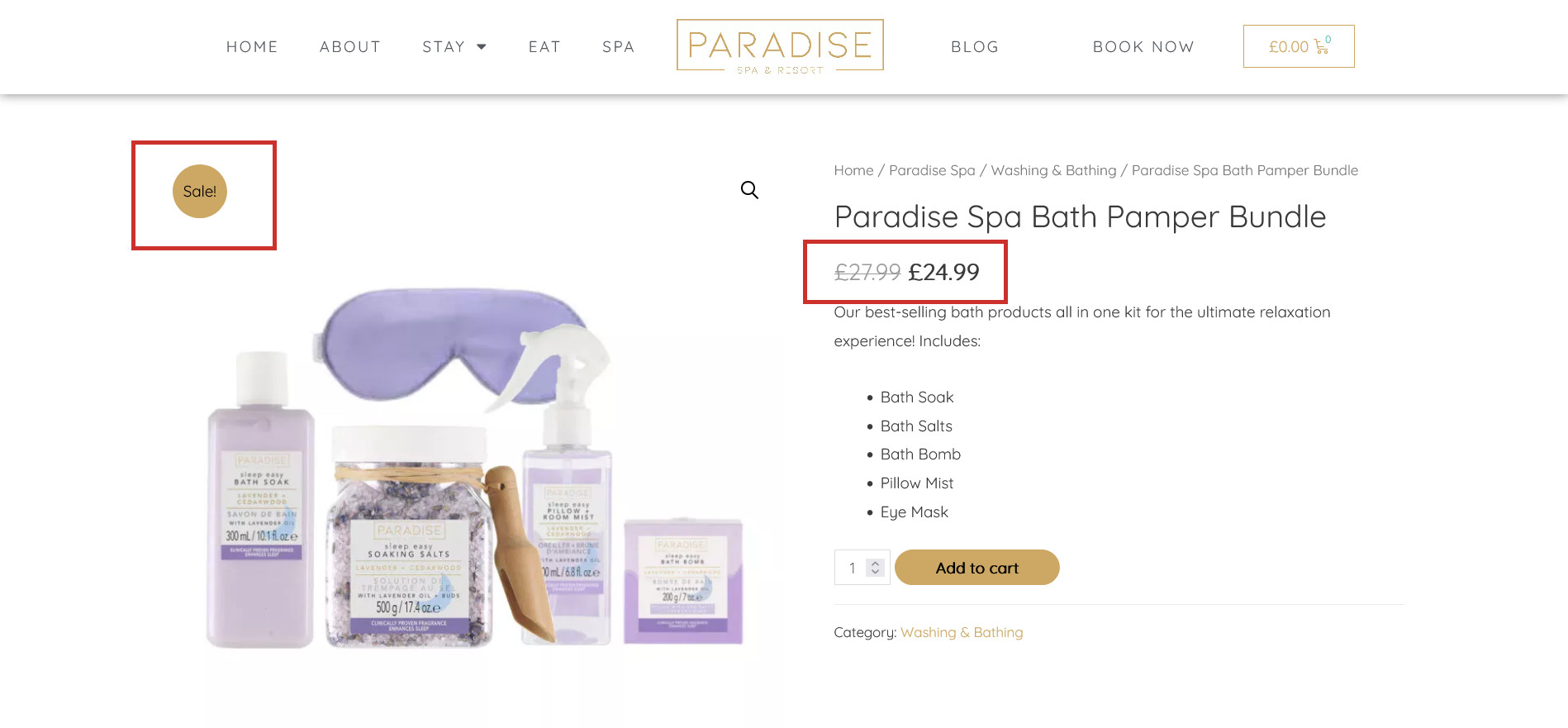
The product will now be listed at a new sale price, and will have an eye-catching ‘Sale!’ badge on the image (both on the product page and in your shop listings):