Home > How to create an email autoresponder or out of office message
How to create an email autoresponder or out of office message
An autoresponder is an automatic response which someone will receive when they email you. This can be useful if you’re going on vacation and need to let people know that you cannot reply right away. They can also be useful to create a general response such as ‘Thank you for getting in touch, we will respond to your email within 48 hours’.
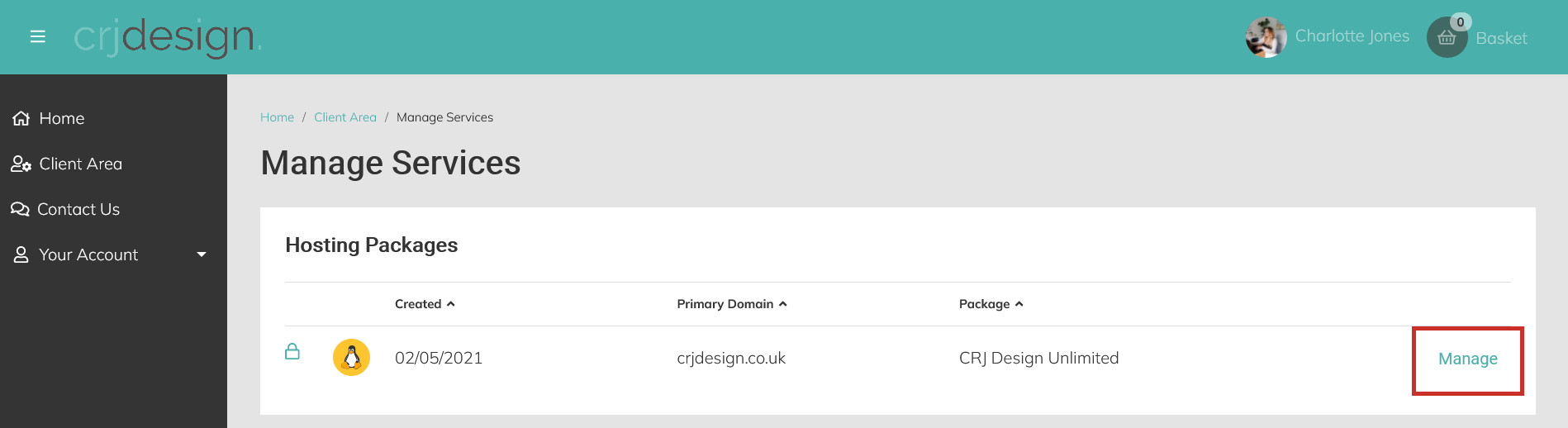
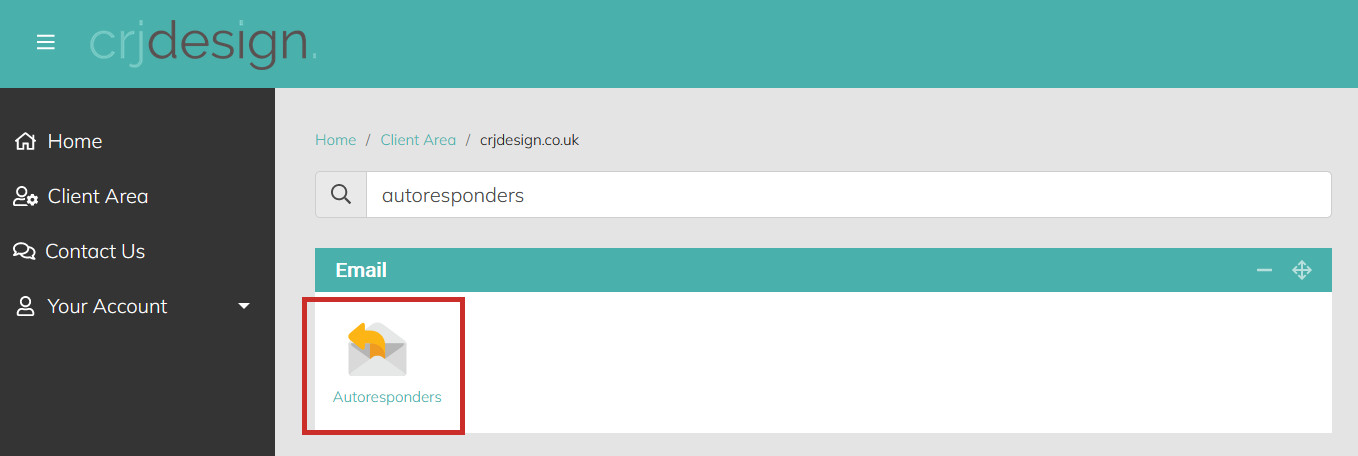
Navigate to the Email section and click on Autoresponders (or search for ‘autoresponders’ in the search bar):
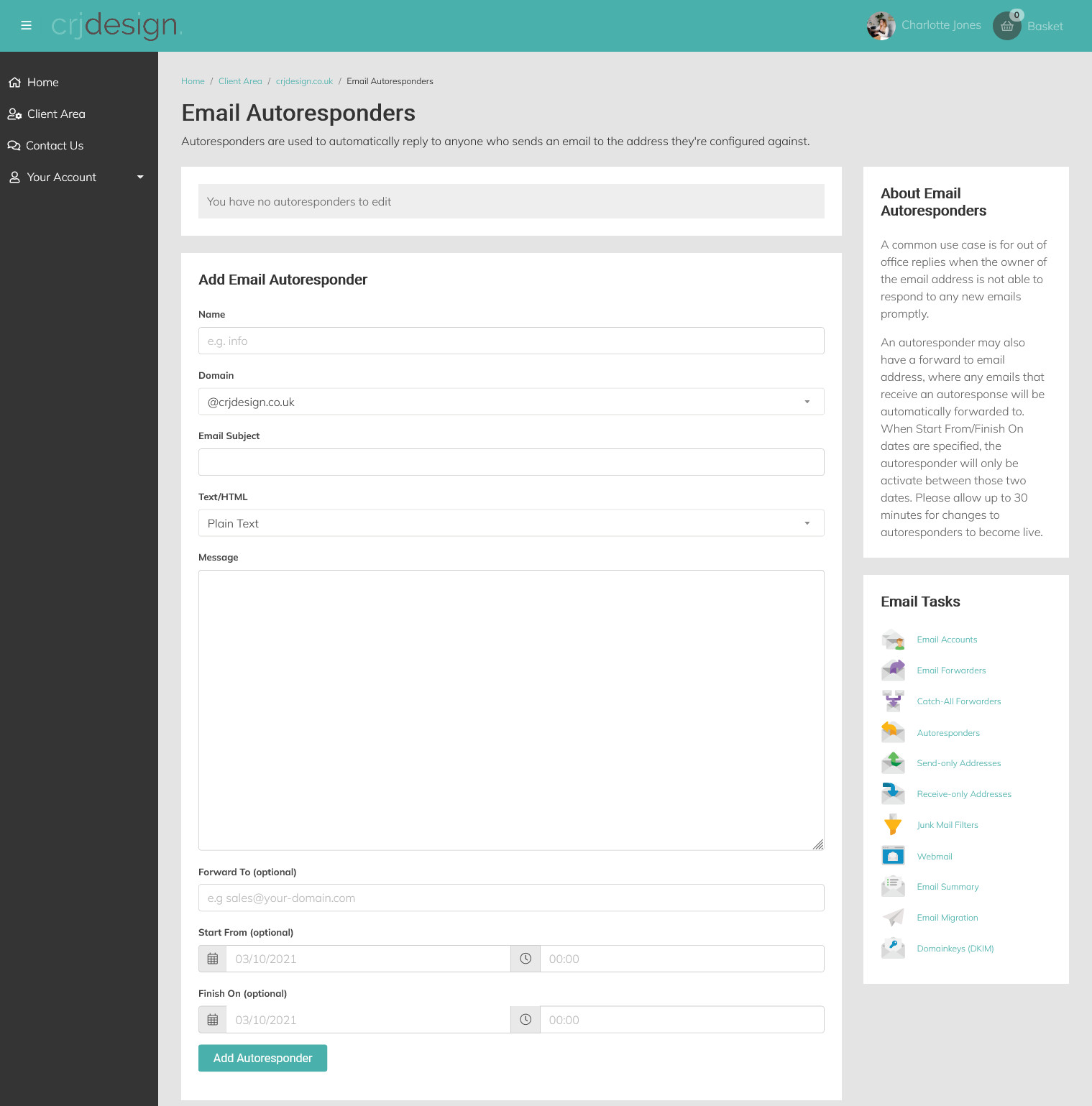
Enter the details for your autoresponder including a message and an optional start and end date (useful for scheduling an autoresponder for when you’re out of office):
Name: The first part of the email address where you would like your autoresponder to apply (eg. if your email address is info@yourdomain.co.uk, enter ‘info’)
Domain: The last part of the email address (your domain name)
Email Subject: The subject for the autoresponse email
Text/HTML: The format in which the email will be sent (use HTML to format your email with links, bold, italic & underlined text)
Message: The message you would like to include in your autoresponder
Forward To: Optionally forward all mail to another address
Start From: Set an optional start date and time for your autoresponder
Finish On: Set an optional end date and time for your autoresponder
When you are done, click Add Autoresponder to save your changes.