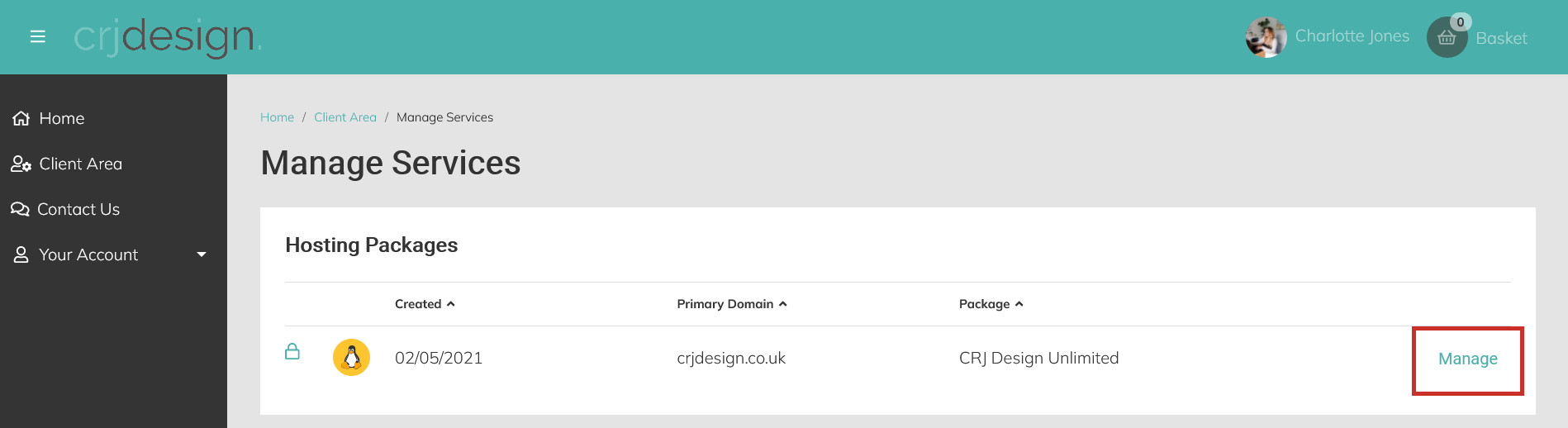
Login to your Hosting Portal and click Manage next to your hosting package:
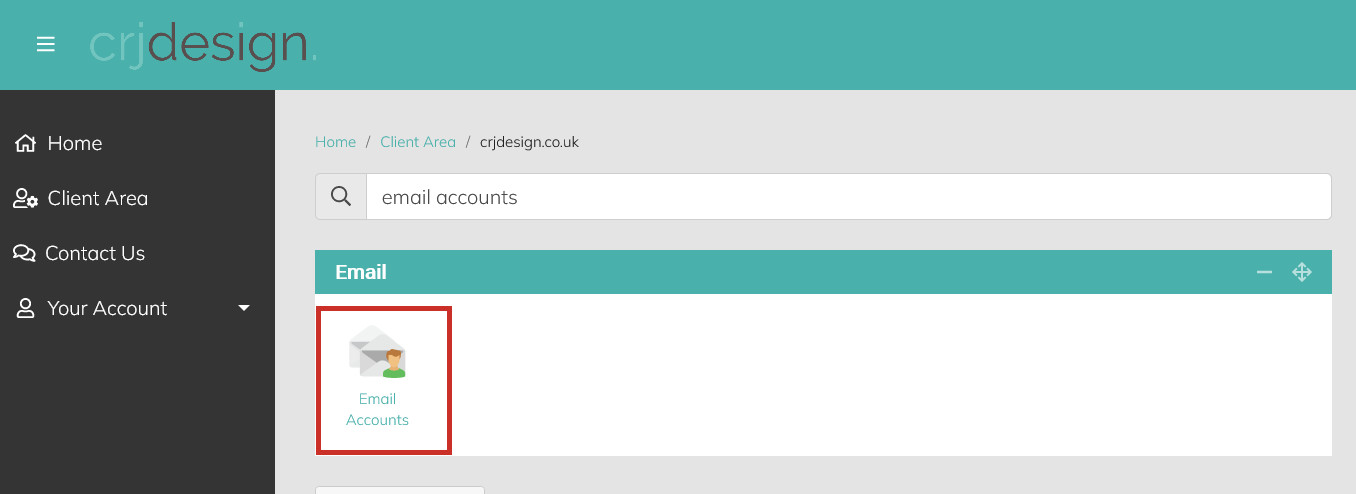
Navigate to the Email section and click on Email Accounts (or search for ’email accounts’ in the search bar):
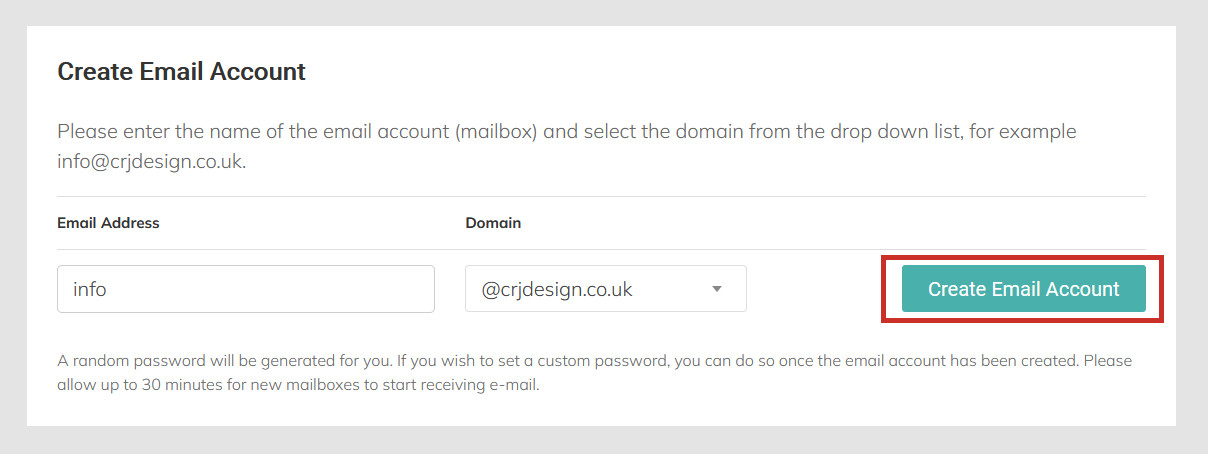
Under ‘Create Email Account’, enter the email address you would like to create. If you have multiple domain names associated with your hosting package, you can select which domain you’d like to use for the new email account from the domain drop-down:
Click the Create Email Account button:
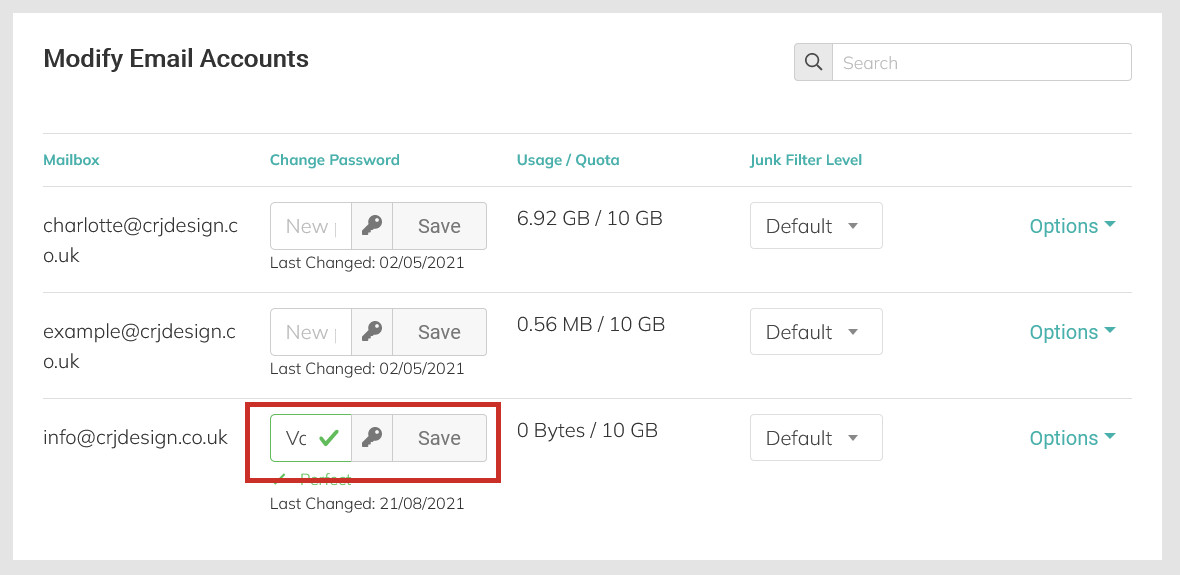
The email account will have been created. If you scroll down the page to the ‘Modify Email Accounts’ section, you will see the new email address that has been made. And you can copy the password which has randomly been generated, or set a new one:
Please Note
We recommend using a secure randomly generated password using the generate button, for security reasons.
You will now be able to login to webmail to send and receive emails from your new email account.