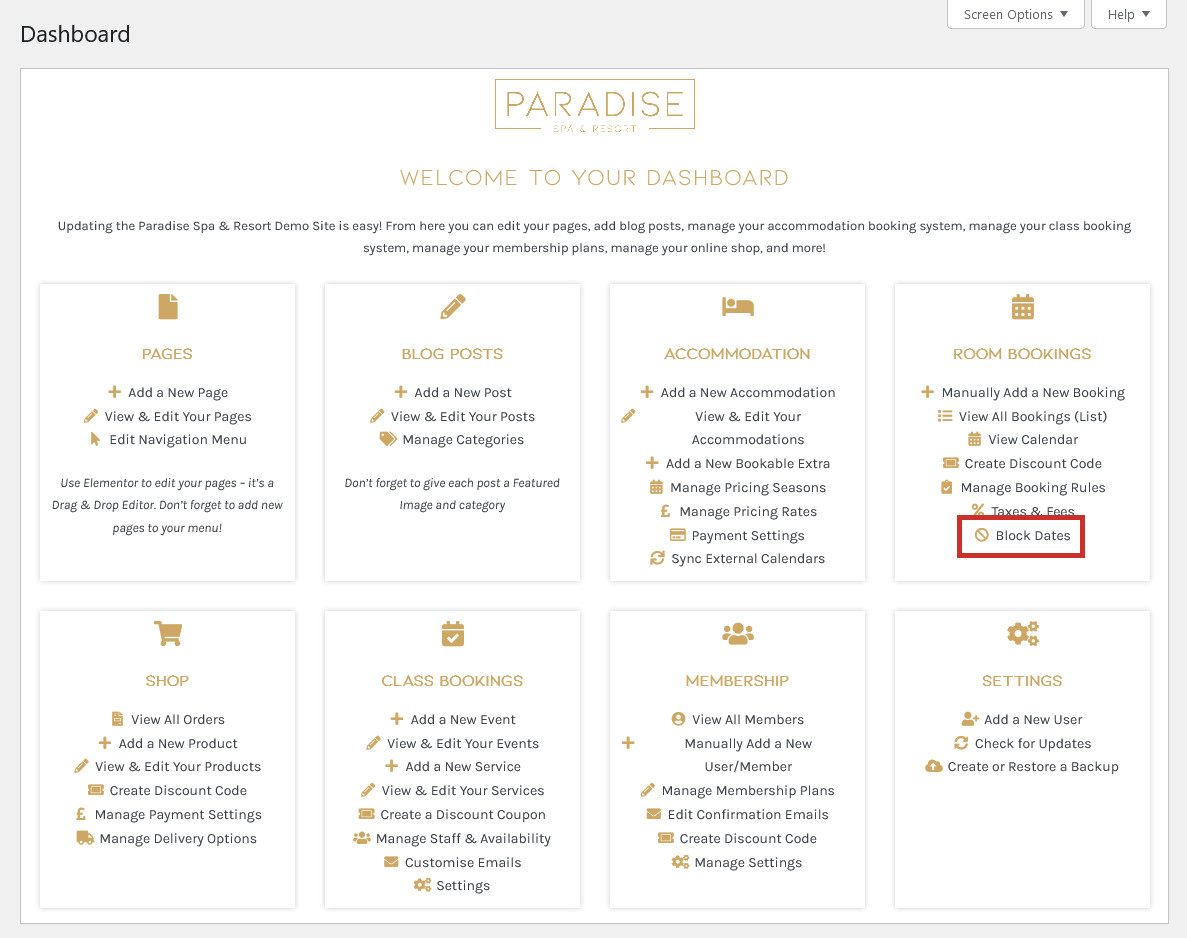
If you need to block dates for your accommodation for any reason (eg. due to renovation work, temporary closure etc.), this is really easy to do. First, use the ‘Block Dates‘ link in your dashboard under the ‘Room Bookings’ (or similar) heading. This will take you to the Booking Rules settings:
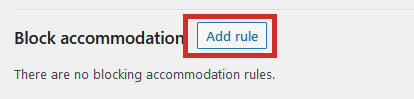
Scroll down to the ‘Block accommodation‘ section and click ‘Add Rule‘:
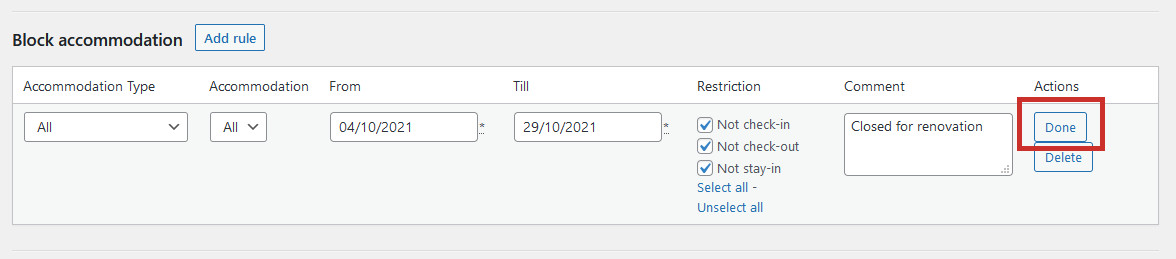
Select which accommodation is being blocked (or choose all of them), the dates, and an optional comment to help you keep track. Choose whether people can still check-out, check-in, or stay-in during this period (usually you would block all 3 of these). Then click Done:
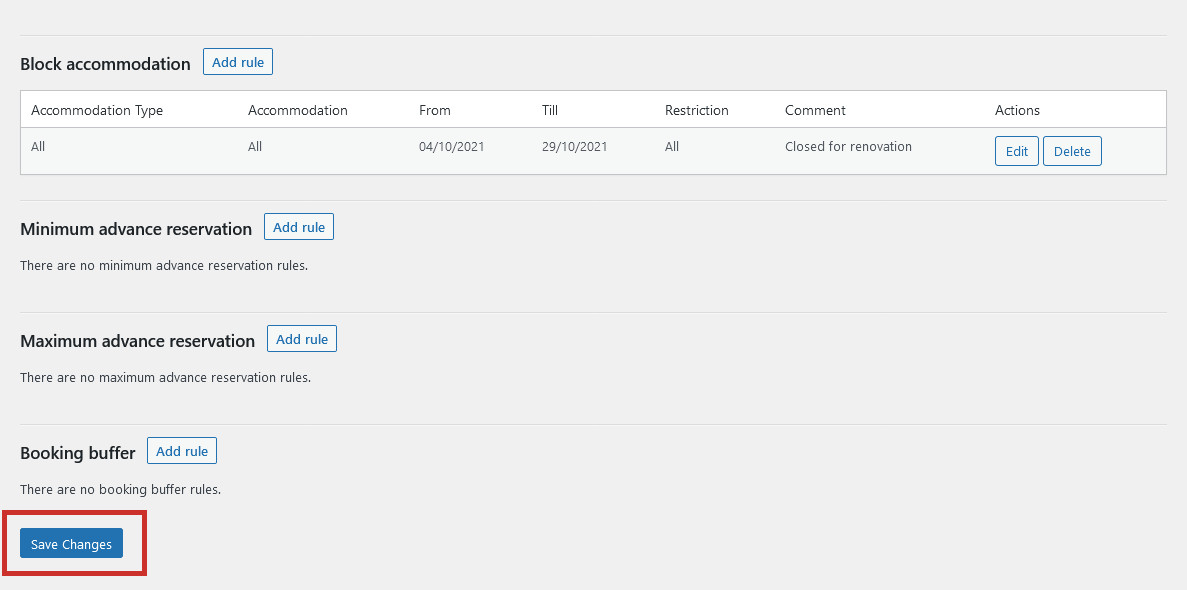
Finally, click Save Changes at the bottom of the page to save your blocked dates:
The accommodation will now be blocked and unbookable during the dates you chose.