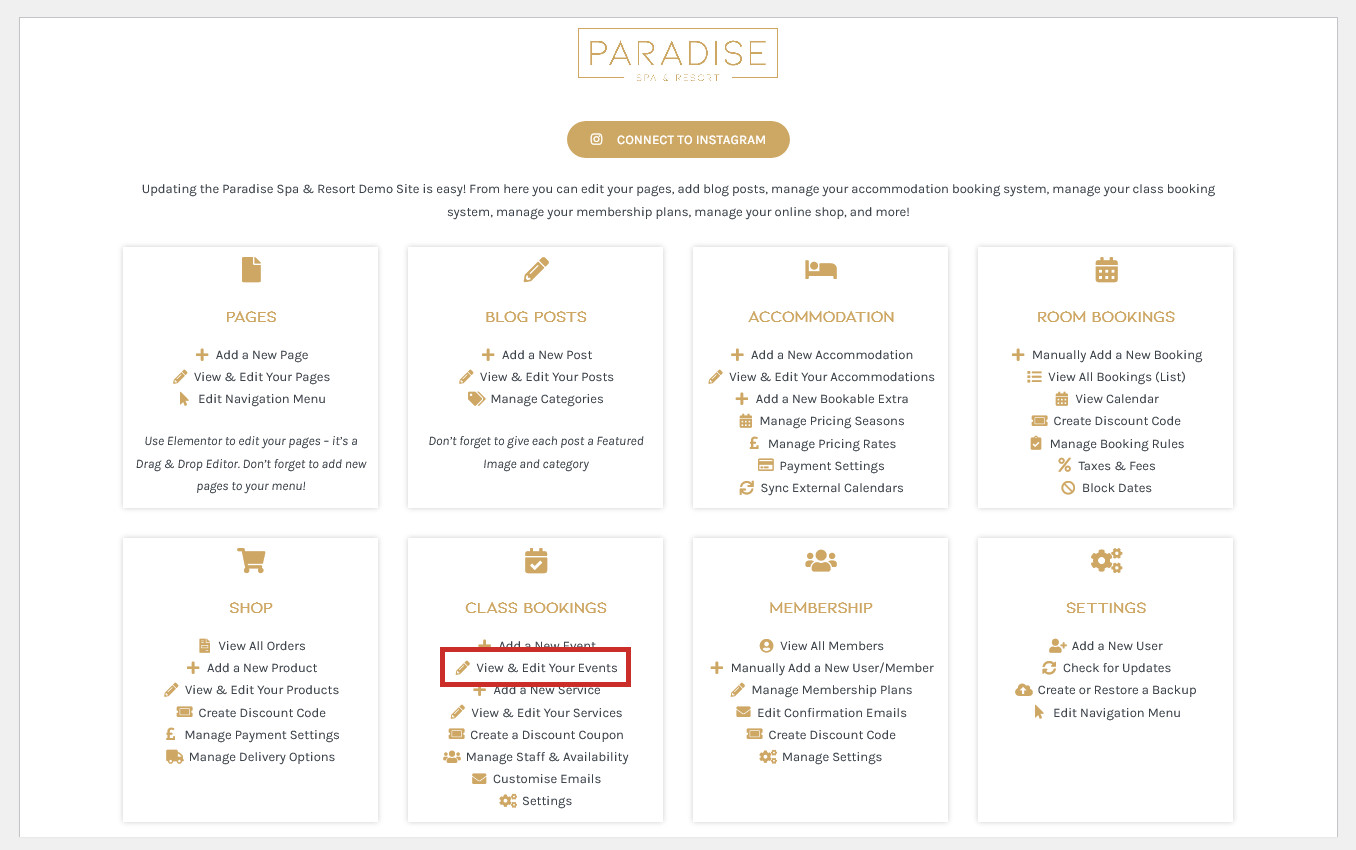
To edit an event, use the View & Edit Events link in your dashboard under the ‘Bookings’ or similar heading:
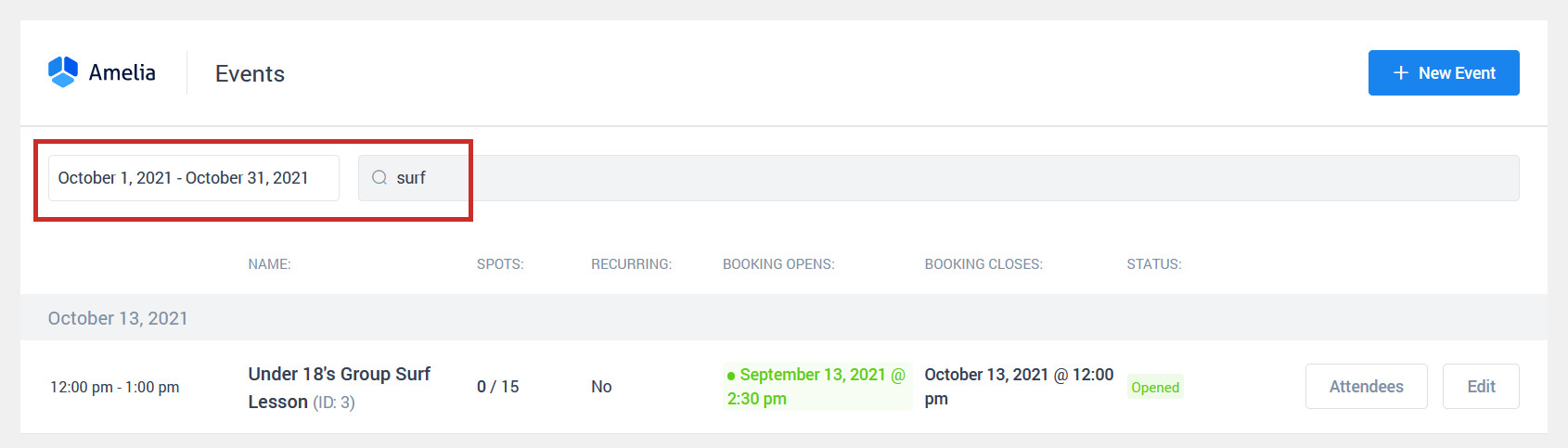
Find the event you wish to edit (you may need to change the date range or use the search box):
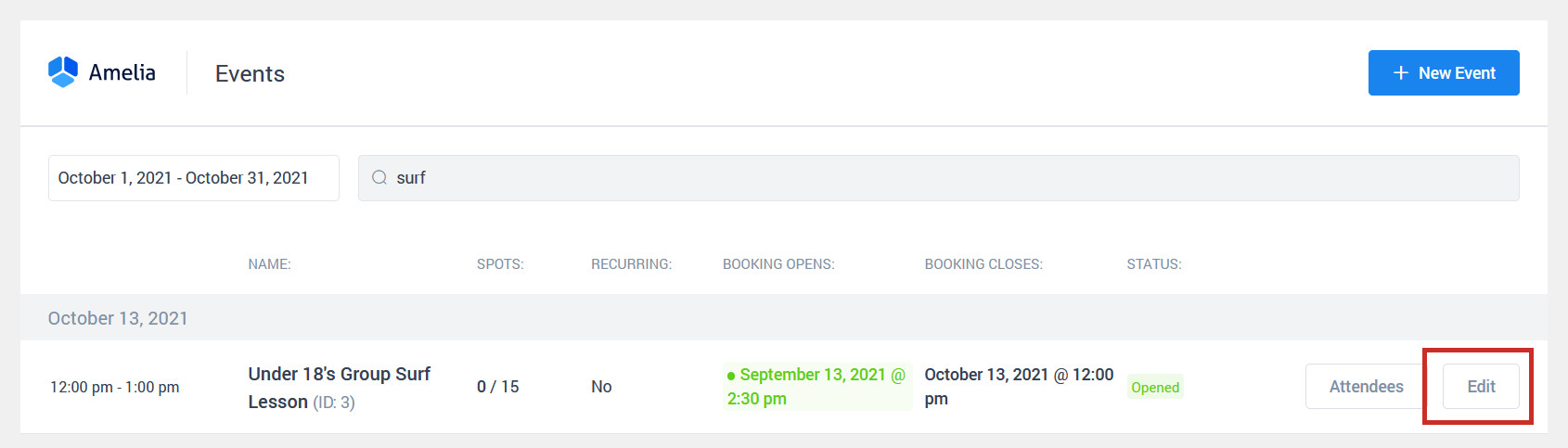
Click Edit next to the event you wish to Edit:
Make your changes to the event and click Save (note that if you change the date or time of the event, customers will be notified via email that the event has been rescheduled):