- You will need a laptop or PC to use Elementor
- Because of its drag-and-drop functions, Elementor is not compatible with mobile devices
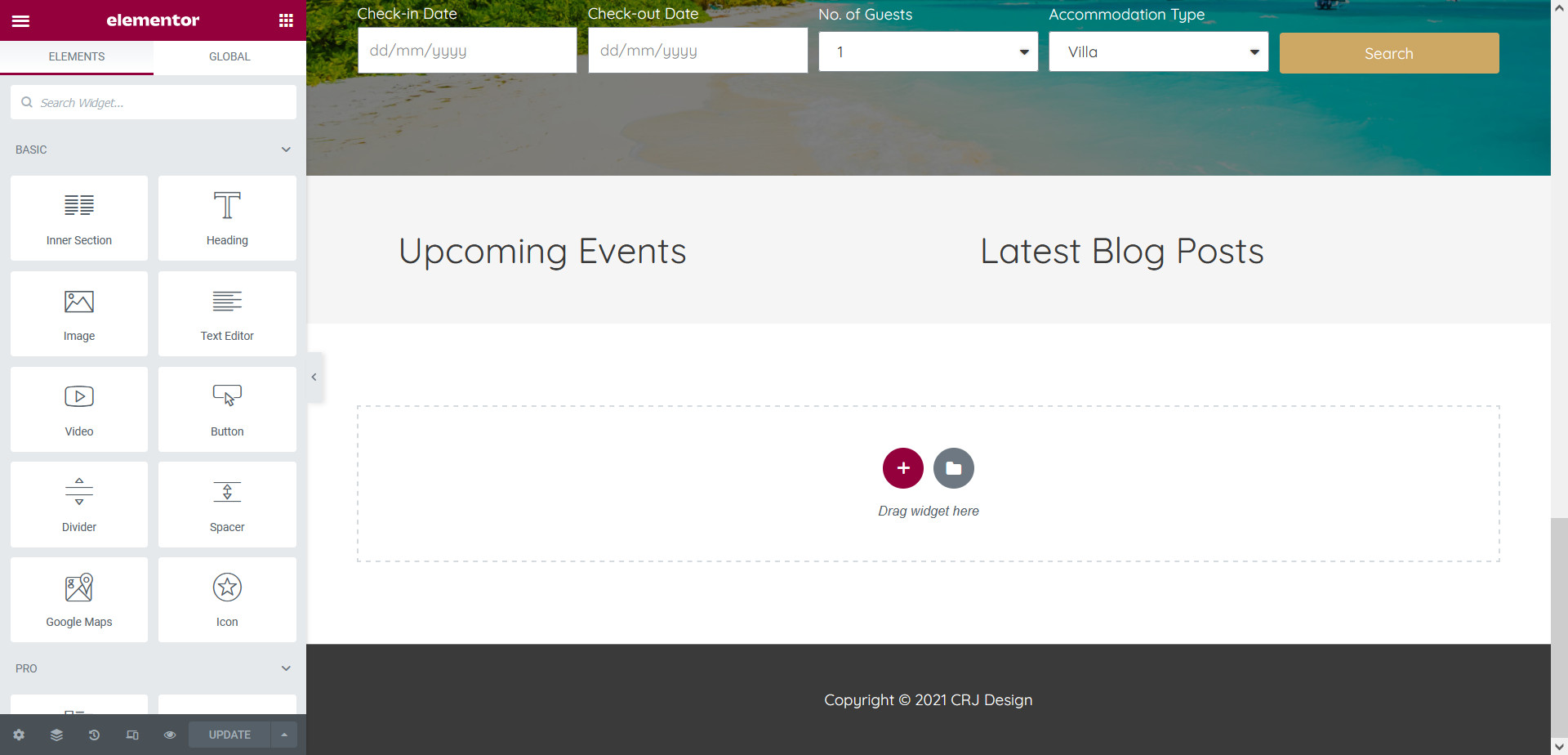
Elementor makes it really easy to add videos to your page, without having to use a single line of code. First, open the page in Elementor where you’d like to add the video:
Drag and drop the Video widget onto the page where you’d like your video to appear:
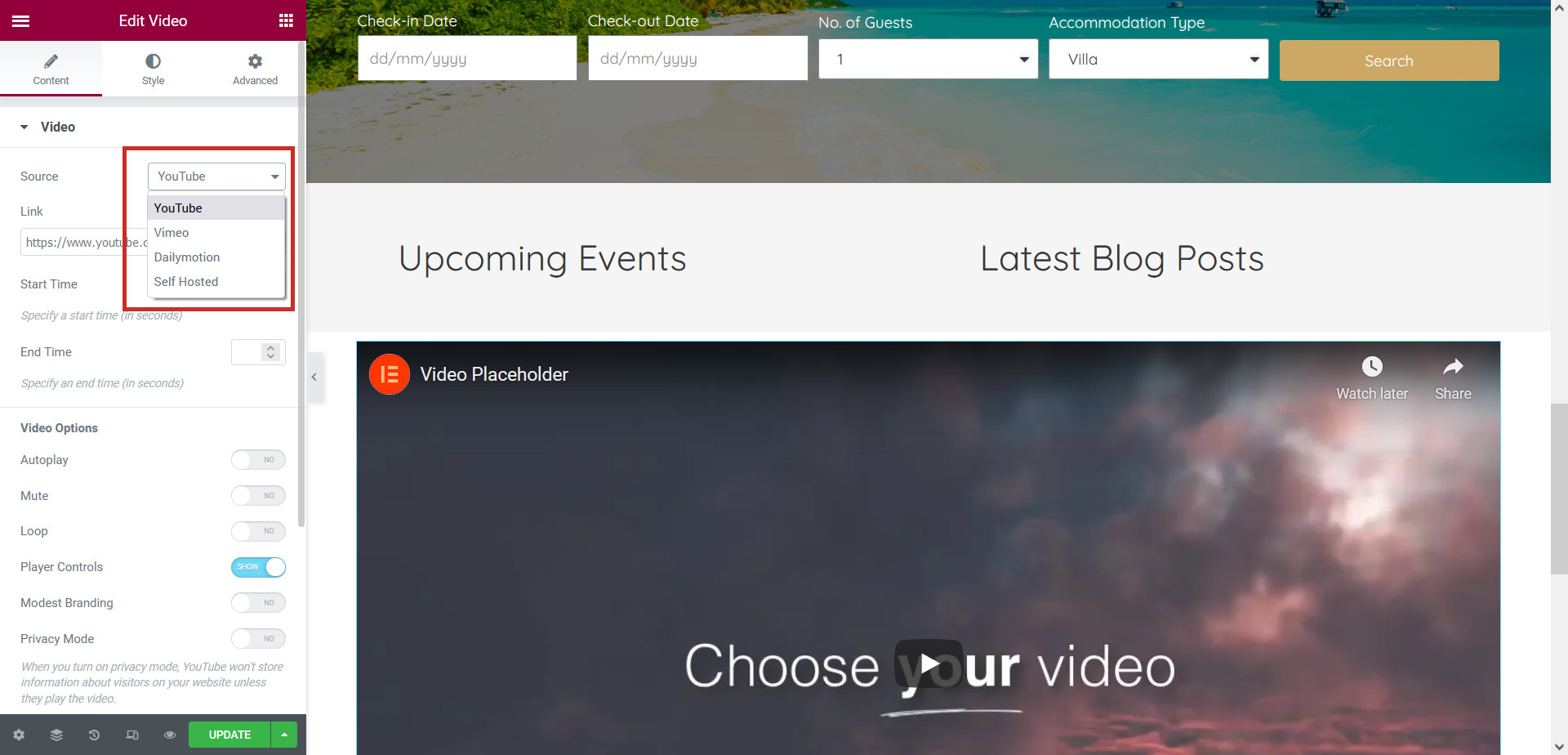
Choose the Video Source – this is where your video file is. You can add videos from YouTube, Vimeo, Dailymotion, or upload your own MP4 file (Self Hosted):
YouTube, Vimeo, & Dailymotion Videos
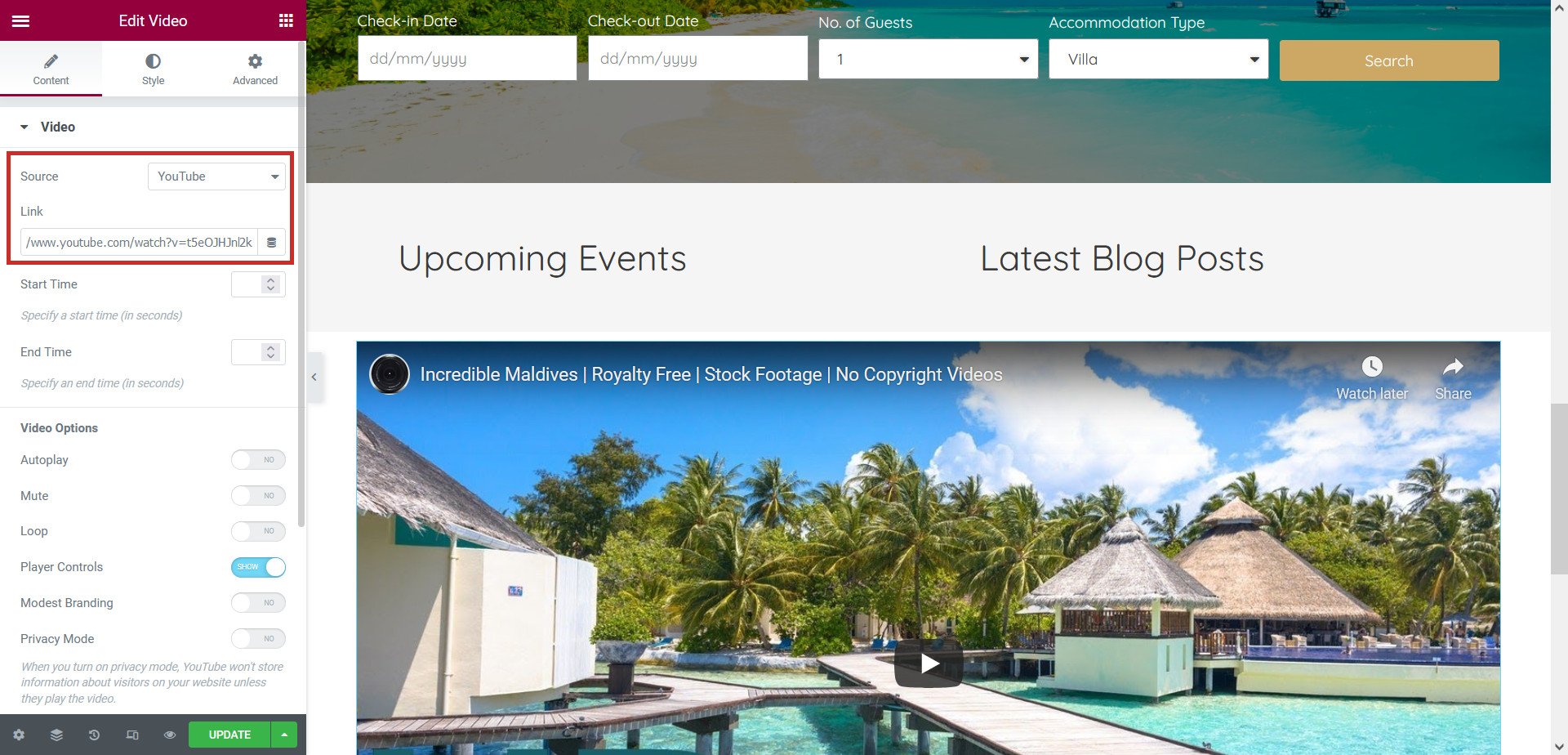
To add a video from YouTube, Vimeo, or Dailymotion, choose the correct source and paste the video URL into the ‘Link’ field:
Upload Your Own Video
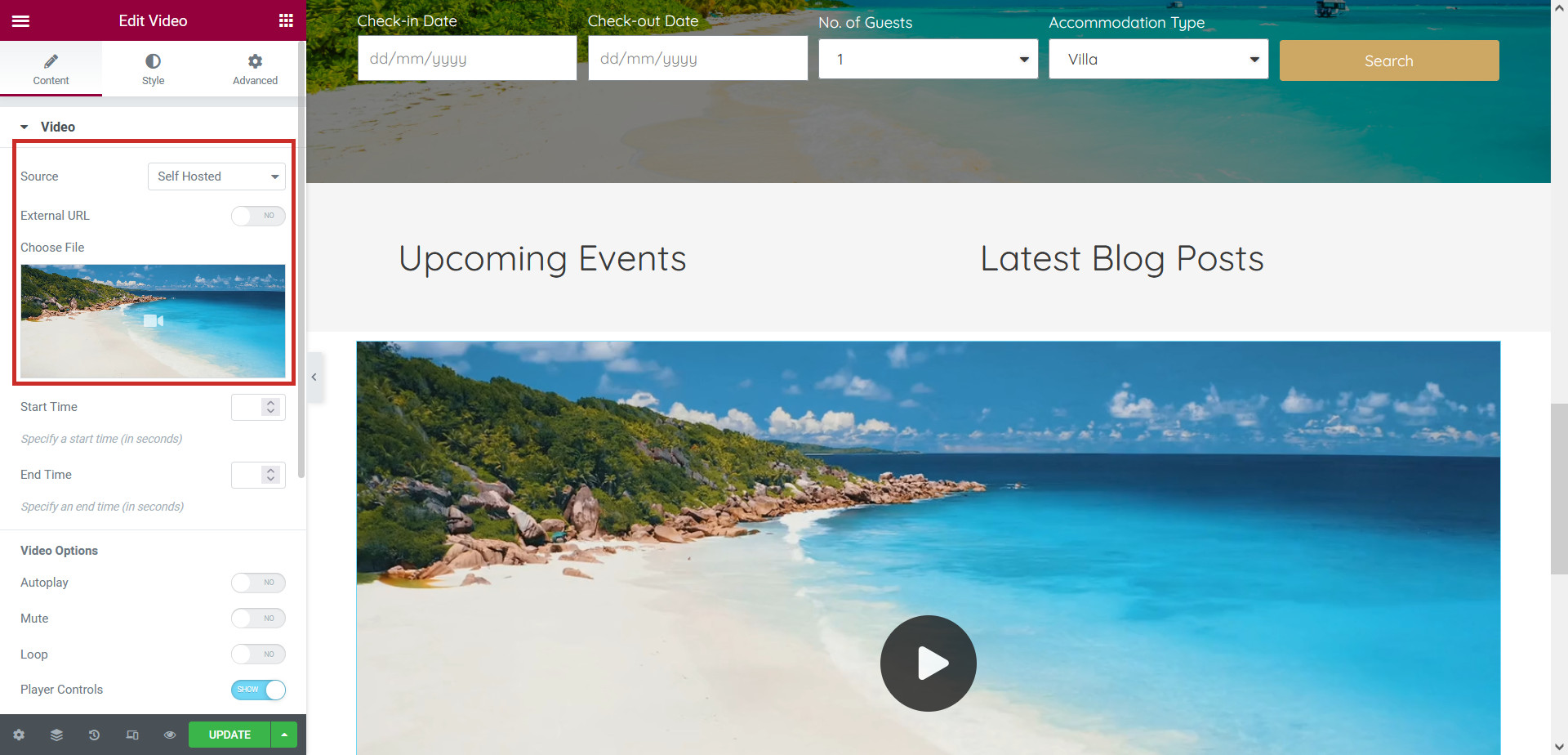
To upload your own video file, choose the ‘Self Hosted’ source option and upload your video file using the ‘Choose File’ box:
Video Settings
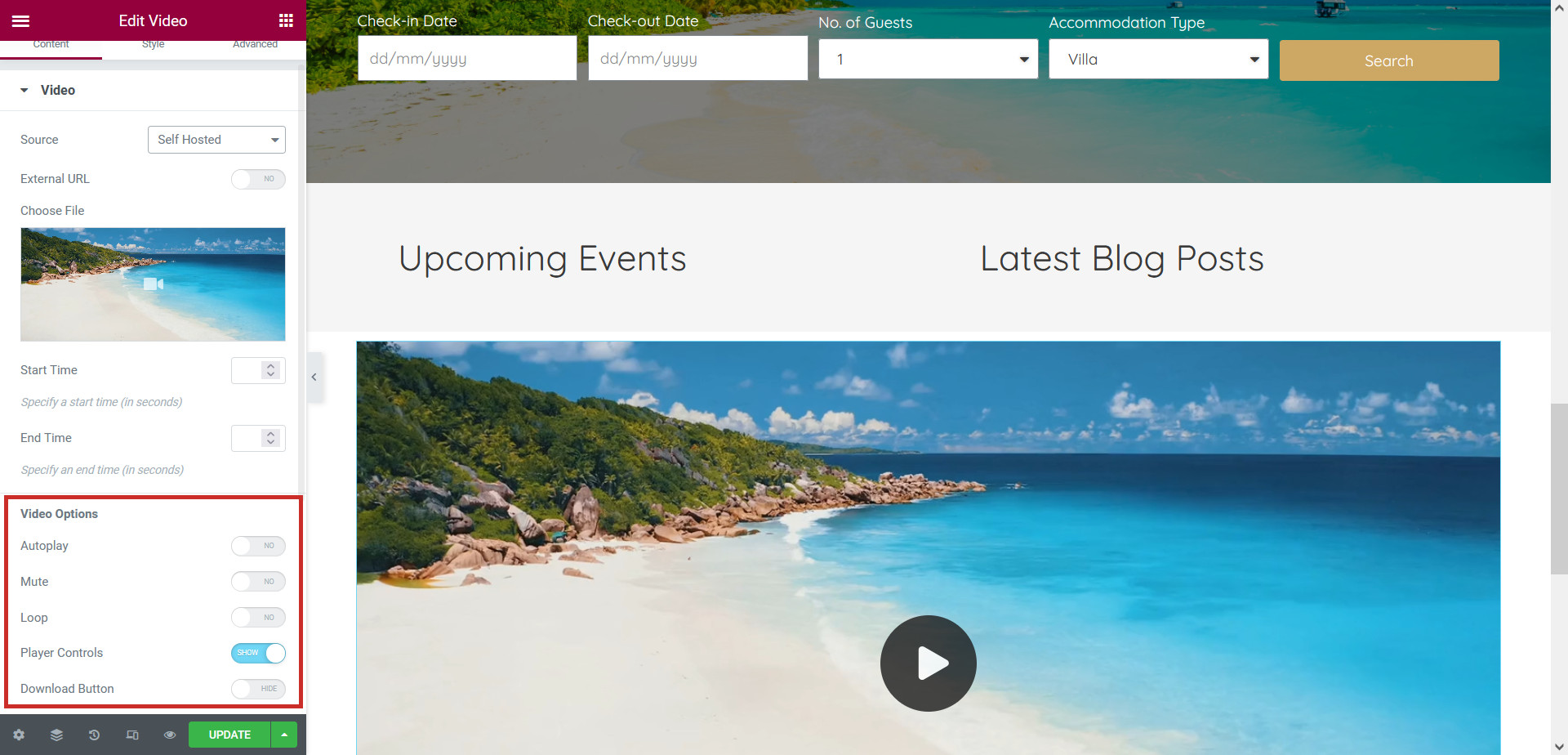
Under the Video Options tab you can change the video settings, for example you can set the video to play automatically (autoplay), play on a loop, or be muted:
Click Update to save your changes.