Home > Edit your site’s header & footer with Elementor
Edit your site’s header & footer with Elementor
You will need a laptop or PC to use Elementor
Because of its drag-and-drop functions, Elementor is not compatible with mobile devices
Please NoteYou cannot change your navigation menus or logo in Elementor. We have provided seperate tutorials on these.
Your header and footer is displayed at the top and bottom of every page on your website, and it can easily be edited with Elementor. Your header usually contains your logo and navigation menu, while your footer would likely contain a copyright notice and social media links.
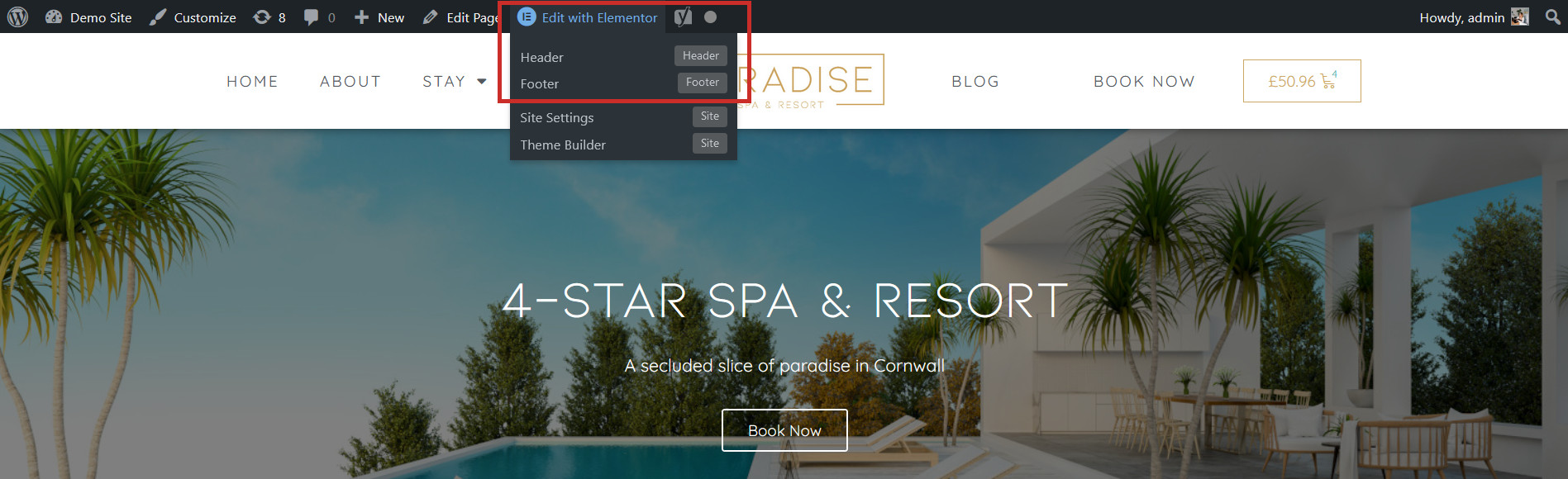
To edit your Header or Footer, visit any page on your website, hover over the Edit With Elementor button (don’t click!) and choose Header or Footer:
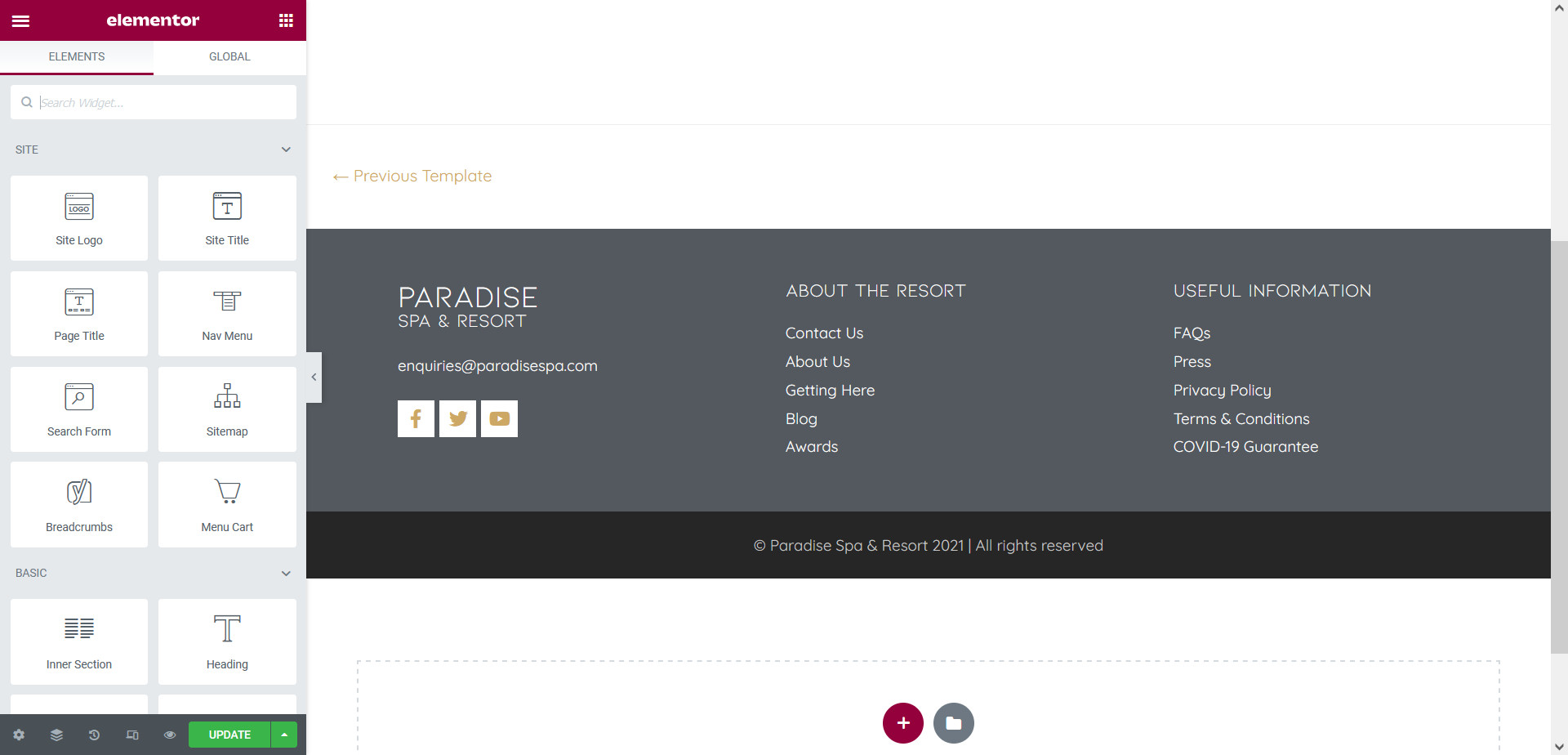
This will open your Header or Footer in the Elementor interface so you can make changes to it. Simply make your edits and click Update to save your changes: